AI document generatorFinished, editable documents from a prompt

Huggle's AI document generator writes complete, structured documents from a short brief: proposals, reports, business plans, statements of work, case studies, and long-form writing with headings, tables, and citations where you supply sources. The document opens as an editable file in your workspace, so you revise sections in place and export to .docx or PDF when it is ready. Every frontier model is included under one subscription, and a free account with no card lets you generate your first document.

Free to start, no card required. Paid plans from $10 a month with every frontier model included. See pricing.

One request. A finished document, editable in your workspace.Alder growth proposal.docx

01What you get

What Huggle's AI document generator produces

A finished document you can open, edit, and share, not raw model output you still have to assemble somewhere else.

01

Structured documents, not a wall of text

Huggle writes with the structure the document type demands: an executive summary, sectioned headings, tables for anything numeric, and a recommendation or next step. You get a file someone can read and act on.

02

Built from your facts, with research on request

Bring the client details, numbers, and constraints you know. Where you need context, Huggle can research the web and cite what it used, and it is instructed not to invent statistics or references.

03

Edit in place, export when ready

The document opens as an editable file. Rewrite a paragraph yourself, or ask Huggle to expand a section, change the tone, or add a table, then export to .docx or PDF or share a link.

04

Every frontier model, one subscription

Use Flash for a quick memo or Max for a long report. Huggle routes across frontier models so you never choose a vendor, and the same workspace handles the deck and spreadsheet that go with the document.

02Examples

What people generate with the AI document generator

Each example is a prompt you can open in the composer as written. Huggle asks for the details it needs before it builds anything.

Consulting proposal

01

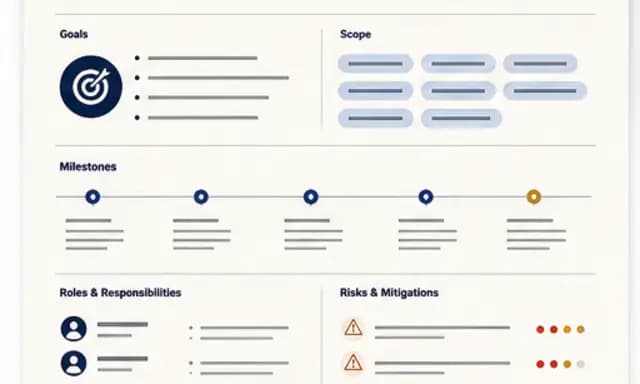
Diagnosis, phased scope, pricing options, risks, and a measurement plan, written in a consulting register from your client facts.

Use this prompt

Report from raw notes or data

02

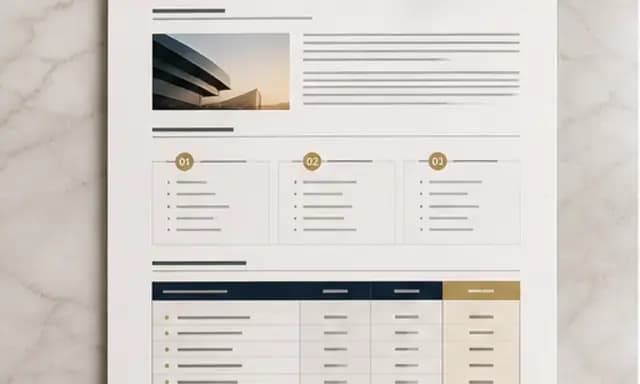
Turn meeting notes, survey results, or a data dump into a formatted report with findings, charts for key figures, and recommendations.

Use this prompt

Business plan or one-pager

03

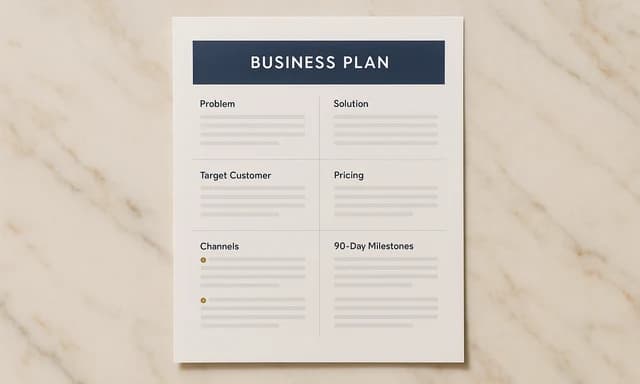
Problem, offer, market, economics, and the next 90 days, at the length your reader will actually finish.

Use this prompt

Statement of work or case study

04

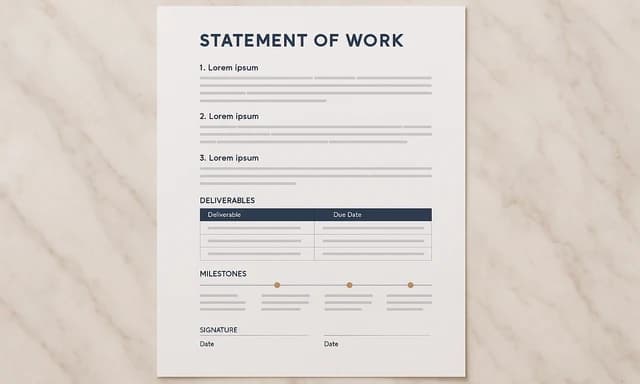
Commercial SOWs with deliverables, fees, and acceptance criteria, or a customer case study written from approved facts with a results table.

Use this prompt

03How it works

From a sentence to a finished document

Four steps, one workspace. The file is real from the first pass and stays editable for as long as you keep working on it.

  1. Step 1

    Describe the outcome

    Write a sentence or two about what you need, who it is for, and the facts you already have. Or open a template and swap in your own situation.

  2. Step 2

    Answer a few questions

    Huggle asks for the missing details it needs, such as audience, scope, numbers, and tone, so the first draft is specific to you rather than a generic template.

  3. Step 3

    Watch the file take shape

    Pick Flash for speed or Max for power. Huggle routes across frontier models and builds the artifact as a real file in the preview surface.

  4. Step 4

    Edit, then share or export

    Revise in place, ask Huggle to change a section, then share a link or export. The file stays editable; there is no transcript to copy out of.

04Comparison

Huggle vs. a chat app or a downloaded template

CriterionHuggleChat app or static template
What you getA formatted, editable document with headings, tables, and structurePlain text to paste into Docs or Word, or a template with placeholder copy
RevisionsAsk for a change and the section updates in the same file, or edit it yourselfRe-prompt, then re-paste and re-format
SourcesWeb research with citations on request; no invented statisticsUnsourced text you must fact-check line by line
Export.docx, PDF, or a shareable linkCopy and paste
ModelsEvery frontier model included; Flash or Max per taskOne vendor's model

06FAQ

AI document generator questions

01

What kinds of documents can Huggle generate?

Proposals, reports, business plans, statements of work, case studies, memos, essays, briefs, and long-form articles. If the document has a recognizable structure, Huggle can write it; if it needs a specialist format like LaTeX, use the LaTeX generator instead.

02

Can I export the document to Word or PDF?

Yes. Documents open as editable files in your workspace and export to .docx or PDF. You can also share a link to the document.

03

Does the AI document generator cite sources?

When you ask for research, Huggle searches the web and cites the sources it used. It is instructed not to fabricate statistics or references, and you should verify citations before publishing.

04

Is there a free plan?

Yes. A free Huggle account includes an allowance with no card required, enough to generate a finished document. Paid plans start at $10/month launch pricing and include every frontier model.

05

How is this different from the free AI tools?

The free tools such as the proposal and report generators produce a quick draft in the browser for one document type. The document generator opens the full workspace where you can research, format, revise, and export the finished file.

06

Can Huggle rewrite or expand a document I already have?

Yes. Paste the existing text or upload the file, then ask Huggle to restructure, expand a section, change the tone, or turn it into a different document type. The result stays editable.

Try the AI document generator

Describe the work once. Edit the file the moment it lands.

Start free with no card. Documents, decks, spreadsheets, LaTeX, databases, and websites, every frontier model included, from $10 a month when you upgrade.