AI app builderWorking web apps from a prompt, no setup
Huggle's AI app builder turns a plain-language description into a working web app: the interface, the logic, and the state, running in a sandbox as soon as it is generated. Calculators, dashboards, intake forms, quizzes, and small internal tools are the common shapes. The app opens as an editable artifact in your workspace, so you change a rule or add a screen by asking, then publish it to a URL. There is no environment to set up and no engineer required, and a free account with no card lets you build your first app.
Free to start, no card required. Paid plans from $10 a month with every frontier model included. See pricing.
01What you get
What Huggle's AI app builder produces
A finished app you can open, edit, and share, not raw model output you still have to assemble somewhere else.
Runs the moment it is generated
Huggle writes the app and runs it in a secure sandbox so you can click through it immediately. If something breaks, Huggle sees the error and fixes it in the same turn.
Real logic, not a wireframe
Calculations, validation, filtering, and saved state work as described. A quote calculator quotes; a tracker keeps its rows.
Change it by asking
Add a field, change a formula, restyle the layout, or add a second screen by describing the change. The app updates in place and stays in one artifact.
Every frontier model, one subscription
Flash for a quick utility, Max for a multi-screen tool with more logic. Huggle routes across frontier models behind the scenes, so you pick a capability tier, not a vendor.
02Examples
What people generate with the AI app builder
Each example is a prompt you can open in the composer as written. Huggle asks for the details it needs before it builds anything.
Quote or pricing calculator
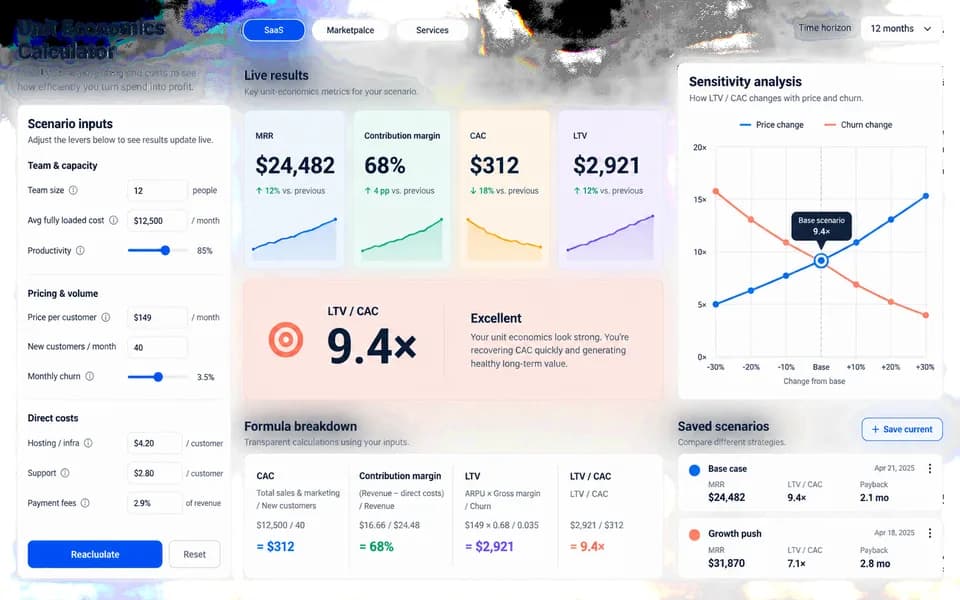
01Customers enter their situation and get an instant price, with the assumptions and a call to action underneath.
Internal dashboard
02Paste a dataset or connect a sheet and get a filterable dashboard with the charts your team actually checks.
Intake or booking form
03A multi-step form with validation, conditional questions, and a summary the respondent can review before submitting.
Quiz or assessment tool
04Scored questions, branching results, and a shareable outcome page for lead generation or learning.
03How it works
From a sentence to a finished app
Four steps, one workspace. The file is real from the first pass and stays editable for as long as you keep working on it.
- Step 1
Describe the outcome
Write a sentence or two about what you need, who it is for, and the facts you already have. Or open a template and swap in your own situation.
- Step 2
Answer a few questions
Huggle asks for the missing details it needs, such as audience, scope, numbers, and tone, so the first draft is specific to you rather than a generic template.
- Step 3
Watch the file take shape
Pick Flash for speed or Max for power. Huggle routes across frontier models and builds the artifact as a real file in the preview surface.
- Step 4
Edit, then share or export
Revise in place, ask Huggle to change a section, then share a link or export. The file stays editable; there is no transcript to copy out of.
04Comparison
Huggle vs. a no-code builder or a chat app
| Criterion | Huggle | No-code builder or chat app |
|---|---|---|
| What you get | A working app running in a sandbox, ready to use and publish | A canvas of components to wire up, or a code snippet to paste and run yourself |
| Setup | None; Huggle builds and runs the app | Learn the builder, or install a runtime and dependencies to run the code |
| Fixing errors | Huggle sees runtime errors and fixes them in the same turn | Copy the error back into the chat and try again |
| Revisions | Describe the change; the app updates in place | Rewire components, or regenerate and re-paste the code |
| Publishing | Publish to a URL from the workspace | Deploy through a separate hosting product |
| Models | Every frontier model included; choose Flash or Max per task | One vendor's model, or none |
05Finished examples
Start from an app Huggle already made
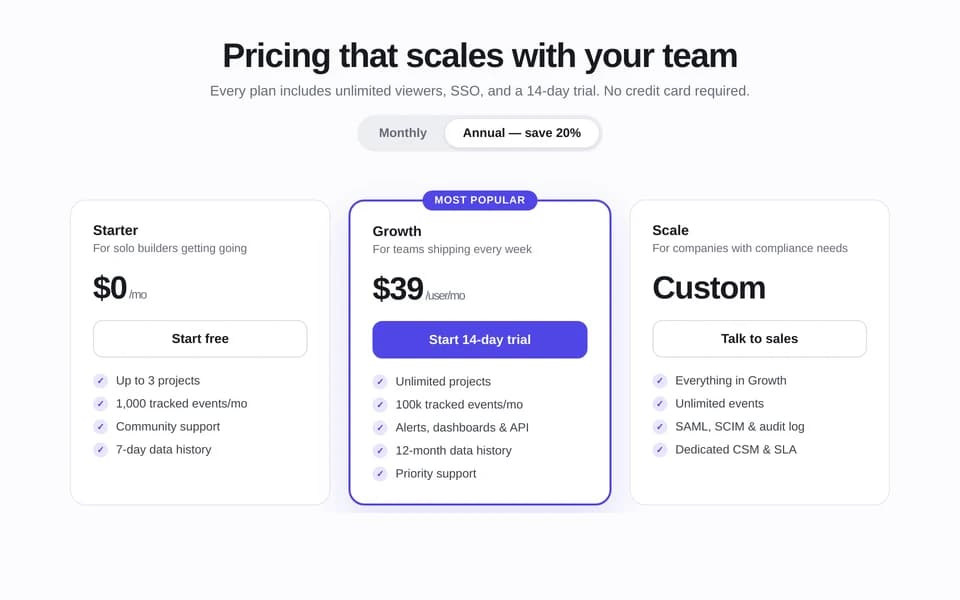
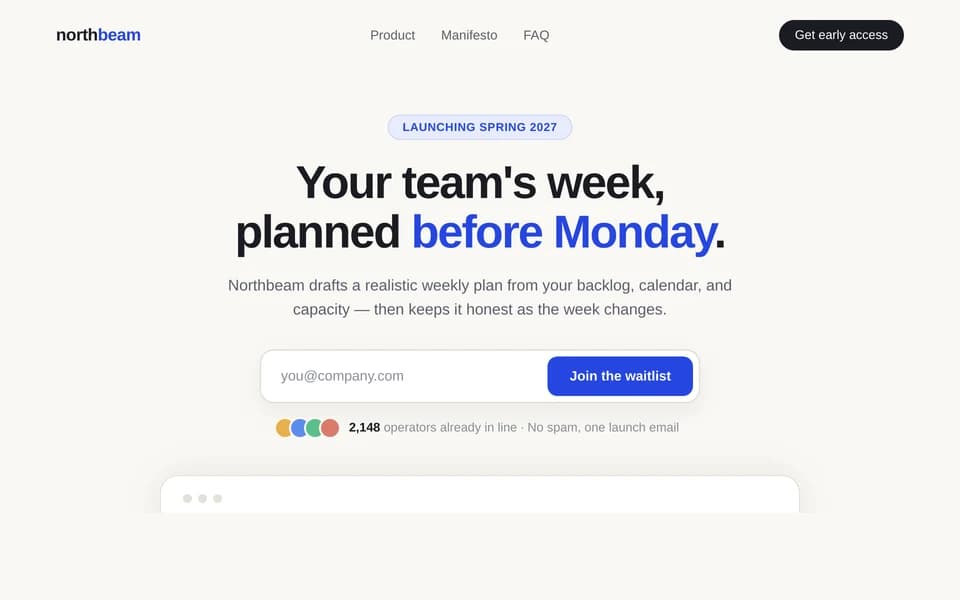
Create landing pages, portfolios, and pricing pages for your business. Every template opens the full brief in the composer so you swap in your own situation.
06FAQ
AI app builder questions
01What kinds of apps can the AI app builder make?
Small to medium web apps: calculators, dashboards, forms, quizzes, trackers, converters, and internal tools. It is built for the tool you need this week, not for shipping a large production system with its own backend team.
02Do I need to know how to code?
No. Describe what the app should do and Huggle writes, runs, and fixes the code. If you can read code, the artifact is real source you can inspect and change directly.
03Where does the app run?
In a secure sandbox inside your workspace while you build, and at a published URL when you are ready to share it.
04Can the app store data?
Yes for state within the app, such as saved rows, scores, or form progress. For a structured record system with views and relations, pair the app with a Huggle database or ask for the two together.
05Is there a free AI app builder plan?
Yes. A free Huggle account includes an allowance with no card required, enough to build and run a first app. Paid plans start at $10/month launch pricing and include every frontier model.
06How is the app builder different from the website builder?
Both produce a live, editable artifact you can publish. The website builder is tuned for pages people read, such as landing pages and portfolios; the app builder is tuned for tools people use, with logic, state, and multiple screens. Many projects combine the two.
Try the AI app builder
Describe the work once. Edit the file the moment it lands.
Start free with no card. Documents, decks, spreadsheets, LaTeX, databases, and websites, every frontier model included, from $10 a month when you upgrade.