Database templates

Database templates for CRMs and operational systems

Build useful relational systems with structured data, linked workflows, views, and realistic records. Each example below is a real Huggle artifact with the creation recipe ready to personalize.

Start with a proven database

4 artifacts

Common uses

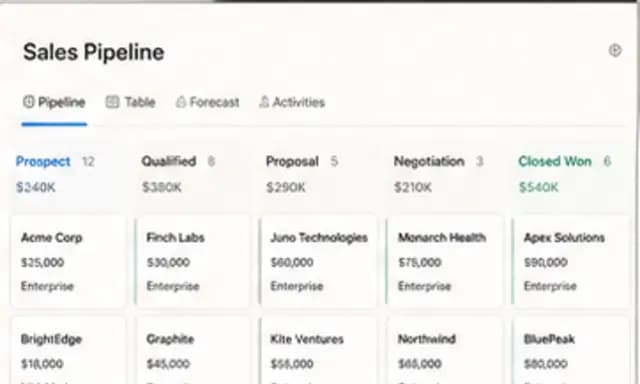
  • 01Sales CRM and client relationship management
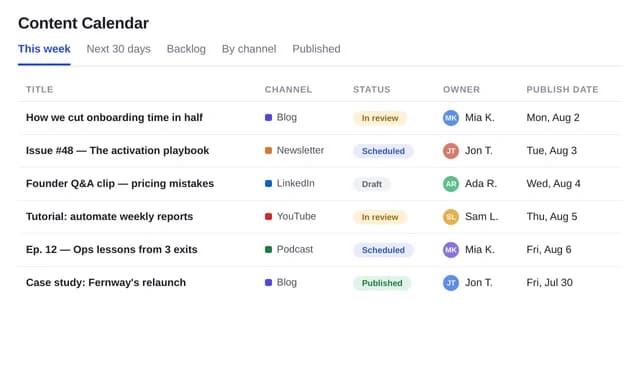
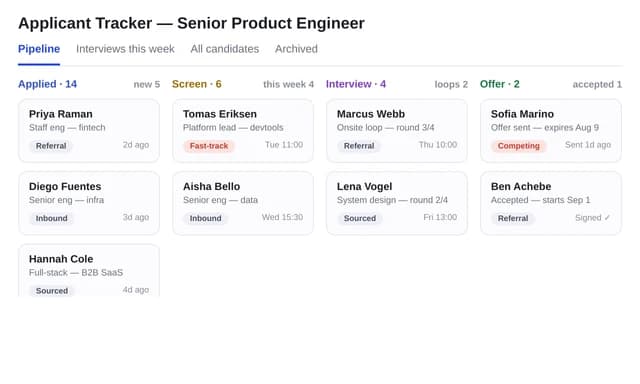
  • 02Content calendars and applicant trackers
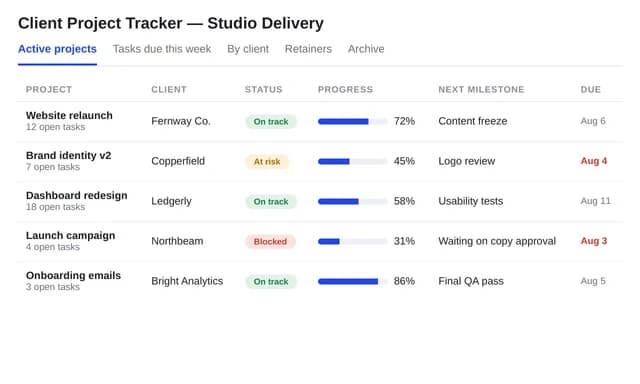
  • 03Client project trackers and delivery views

How these templates work

What an AI database builder should create

An AI CRM builder should produce a relational schema, not a single spreadsheet pretending to be a pipeline. Huggle database templates create tables with keys and constraints, seed realistic records, and add the views a team actually opens: weighted pipeline, deals needing attention, follow-ups, and revenue by service.

When an agency CRM template is the right start

Small agencies outgrow a contacts list and do not yet need enterprise CRM. Searchers looking for an agency CRM template or an AI database builder want companies, contacts, opportunities, activities, and proposals already linked. The agency CRM template is that system, with a kanban pipeline from New through Won/Lost.

How Huggle database templates stay useful on day one

The brief asks for your stages, services, and ownership rules before generation. After the database exists you can add a field, change a view, or ask Huggle to extend the schema. You are operating a real relational system, not decorating a Notion gallery.

Start with agency CRM database template with pipeline views, content calendar database template, applicant tracker database template, or client project tracker database template.

Or describe your own

Need a database that isn't here?

Describe it in your own words and Huggle will build it from scratch — the same way it built every example on this page.

Open Huggle