Image templates you generate from a prompt
Generate launch graphics, thumbnails, ad creative, logos, and hero art from a prompt that already describes the finished picture. Each example below is a real Huggle artifact with the creation recipe ready to personalize.
Free to start, no card required. Paid plans from $10 a month with every frontier model included. See pricing.
01Finished examples
Start with a proven image
Every template opens the full creation brief in the composer. Keep the structure that already works and swap in your own situation.

Social graphic
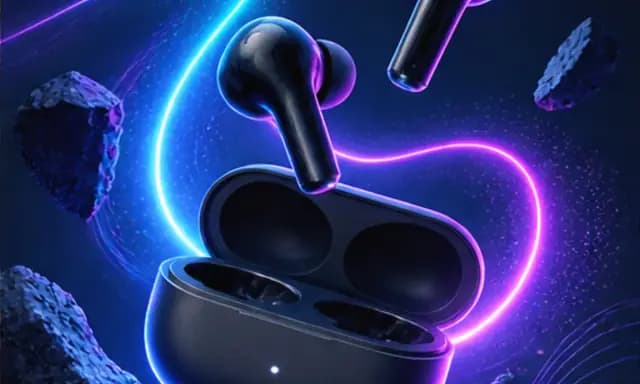
Product launch graphic
Turn a product photo and a launch date into a square announcement graphic with a glowing hero shot and one line of legible headline.
Open templateThumbnail
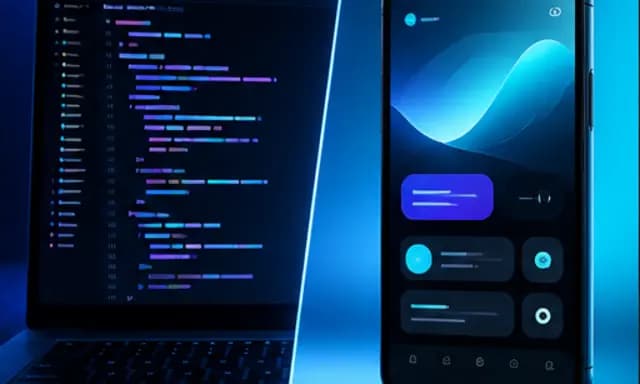
YouTube thumbnail
Generate a 16:9 thumbnail with a clear split composition, a bold three-to-five-word promise, and contrast that survives a phone screen.
Open template
Ad creative
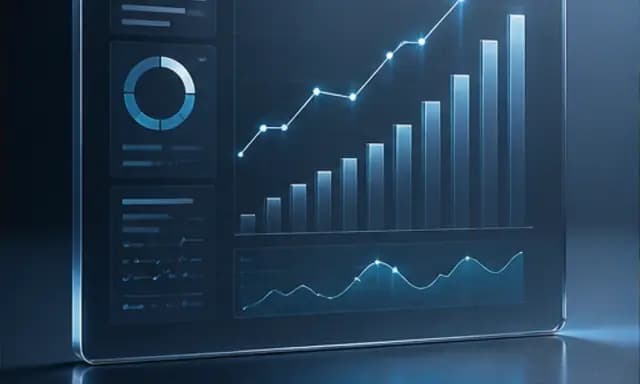
SaaS ad creative
Generate a static ad that shows your product doing its job — a clean dashboard with the metric going up — under a headline that names the outcome.
Open template
Logo mark
Startup logo
Generate a clean geometric logo mark that suggests what the company does, works in one color, and holds up at favicon size.
Open template
Hero image
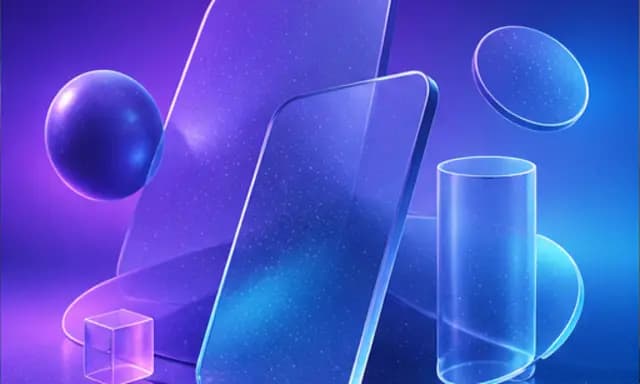
Landing page hero image
Create a wide abstract 3D hero — floating glass shapes on a gradient — with clear space for your headline, sized for the top of a website.
Open template
Infographic
Process infographic
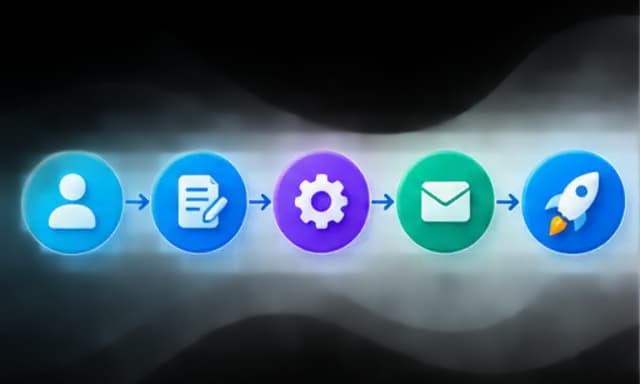
Turn a sequence of steps into a clean horizontal infographic with numbered nodes, icons, and arrows that read left to right.
Open template02Common uses
What people make with images
- 01
Launch graphics and social posts that announce something
- 02
YouTube thumbnails and ad creative built for the click
- 03
Logos, landing page hero art, and explanatory infographics
03How these templates work
Image templates that stay editable
What an AI image generator prompt should already contain
A good image prompt is a finished art direction, not a noun. It names the format and where the image will live, the subject and how it is framed, the palette and light, and the exact text that has to be legible. Huggle image templates start from that level of detail — each hero on this page is the output of the prompt you inherit, so you know what the brief produces before you change a word of it.
When an image template beats a blank canvas
Most image generators hand you an empty text box and a gallery of other people's results. Searchers looking for a product launch graphic, a YouTube thumbnail, or a SaaS ad creative want the composition decisions made already: dark background or light, product centered or off-axis, headline size, safe margins for the platform. Start from the template whose job matches yours, then swap in your product, your copy, and your brand colors.
How Huggle image templates stay editable
Each template opens the full prompt in the composer with image generation already selected. Huggle asks for the details it needs — product, headline, palette, dimensions — before creating the image, and you can keep revising in the same conversation: change the background, tighten the crop, try a different headline, or ask for three variations. The image stays in your workspace next to the documents, decks, and sites it will be used in.
Start with product launch graphic template for Instagram, YouTube thumbnail template for tutorials, SaaS ad creative template with a dashboard hero, startup logo template for a geometric mark, landing page hero image template with abstract 3D shapes, or process infographic template with five steps.
Or describe your own image
Describe the work once. Edit the file the moment it lands.
Start free with no card. Documents, decks, spreadsheets, LaTeX, databases, and websites, every frontier model included, from $10 a month when you upgrade.