AI website builderLive, responsive sites from a prompt
Huggle's AI website builder turns a short brief into a complete, responsive website: the copy, the layout, the sections, and working elements such as forms and calculators. The site opens as an editable artifact in your workspace, so you can change a headline, reorder sections, or ask Huggle to restyle a block instead of starting over in a page builder. When it looks right you publish it to a live URL. Every frontier model is included under one subscription, and a free account with no card lets you build your first page.
Free to start, no card required. Paid plans from $10 a month with every frontier model included. See pricing.
01What you get
What Huggle's AI website builder produces
A finished website you can open, edit, and share, not raw model output you still have to assemble somewhere else.
Copy, layout, and code in one pass
Huggle writes the page copy, chooses the section order, and builds the responsive layout together. You get a site that reads well on a phone and a laptop, not a theme with placeholder text.
Working elements, not mockups
Forms, calculators, pricing toggles, and embedded media work when the page loads. A waitlist page collects emails; an ROI calculator does the math.
Edit in place, then publish
Change a headline directly, or ask Huggle to add a section, restyle the hero, or tighten the copy. When the page is ready, publish it to a live URL and share the link.
Every frontier model, one subscription
Flash gets a first version on screen quickly; Max handles a multi-section site with custom interactions. Huggle routes across frontier models so you never pick a vendor per page.
02Examples
What people generate with the AI website builder
Each example is a prompt you can open in the composer as written. Huggle asks for the details it needs before it builds anything.
Product launch or waitlist page
01A hero, three benefits, social proof, and a working email capture, live before the announcement goes out.
Freelance or agency portfolio
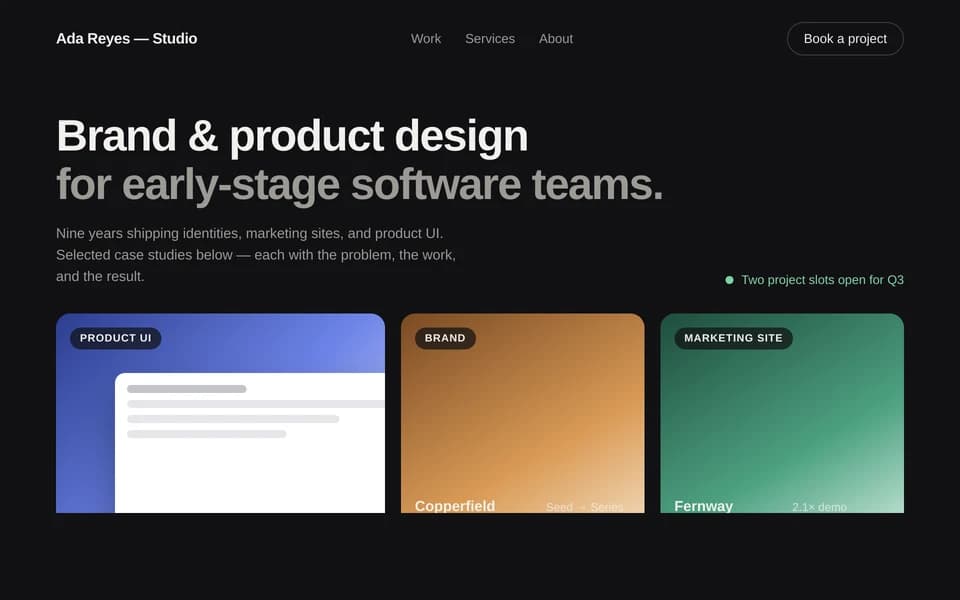
02Selected work, services, process, testimonials, and a contact section, arranged so a prospect can decide in one scroll.
SaaS pricing page
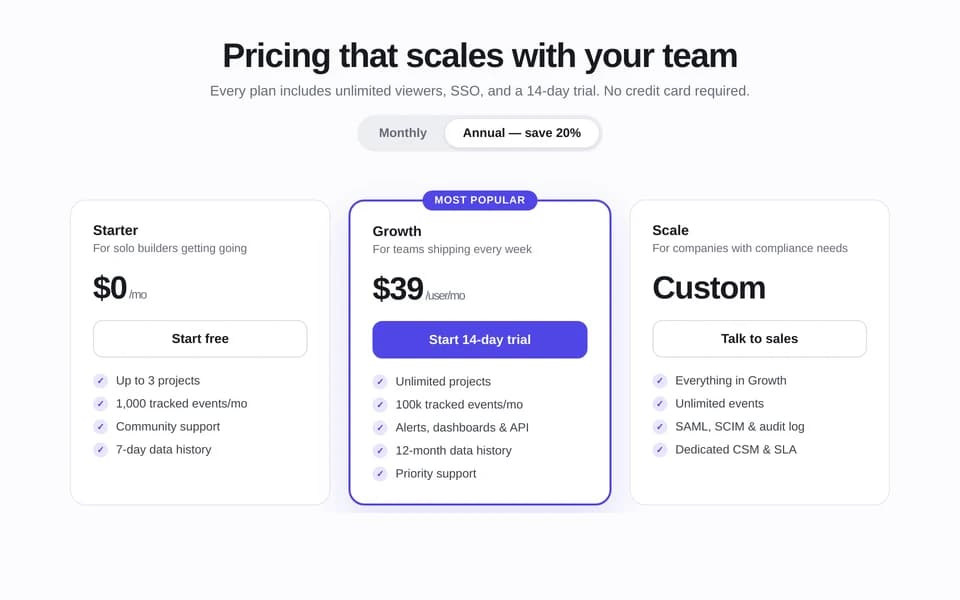
03Plan cards, a monthly and annual toggle, a feature comparison table, and pricing FAQs that answer the objections before support has to.
Interactive calculator page
04A lead-generation page where the visitor enters their numbers and sees the result, with the assumptions stated.
03How it works
From a sentence to a finished website
Four steps, one workspace. The file is real from the first pass and stays editable for as long as you keep working on it.
- Step 1
Describe the outcome
Write a sentence or two about what you need, who it is for, and the facts you already have. Or open a template and swap in your own situation.
- Step 2
Answer a few questions
Huggle asks for the missing details it needs, such as audience, scope, numbers, and tone, so the first draft is specific to you rather than a generic template.
- Step 3
Watch the file take shape
Pick Flash for speed or Max for power. Huggle routes across frontier models and builds the artifact as a real file in the preview surface.
- Step 4
Edit, then share or export
Revise in place, ask Huggle to change a section, then share a link or export. The file stays editable; there is no transcript to copy out of.
04Comparison
Huggle vs. a drag-and-drop site builder or chat app
| Criterion | Huggle | Site builder or chat app |
|---|---|---|
| What you get | A complete, responsive site with copy, layout, and working elements | A theme with placeholder blocks to fill, or HTML you paste into a builder yourself |
| Copywriting | Written with the layout from your brief and edited in place | Written separately, then pasted block by block into the template |
| Interactive elements | Forms, calculators, and toggles that work on publish | Plugins, embeds, or code you wire up yourself |
| Revisions | Edit directly or ask Huggle to change a section; the site stays in one place | Re-prompt and rebuild, or drag blocks around by hand |
| Publishing | Publish to a live URL from the workspace | Export, host, and deploy in a separate tool |
| Beyond the website | The same workspace generates the deck, proposal, and tracker for the launch | A website-only tool |
05Finished examples
Start from a website Huggle already made
Create conversion-focused sites with working interactions, responsive layouts, and production-ready polish. Every template opens the full brief in the composer so you swap in your own situation.

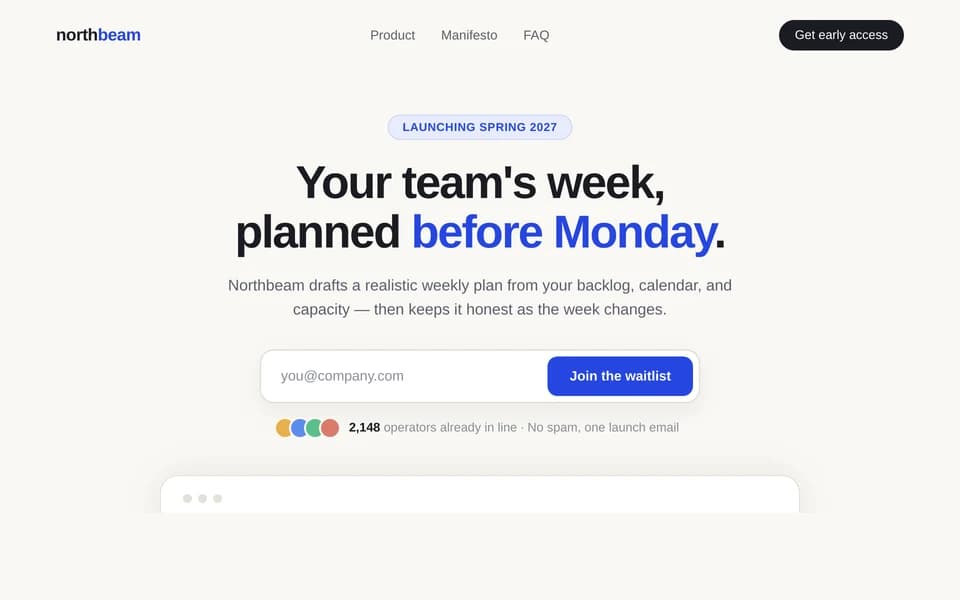
Pre-launch website
Waitlist landing page
Turn a product teaser into a waitlist page with a working email capture, referral hook, and launch story.
Open template
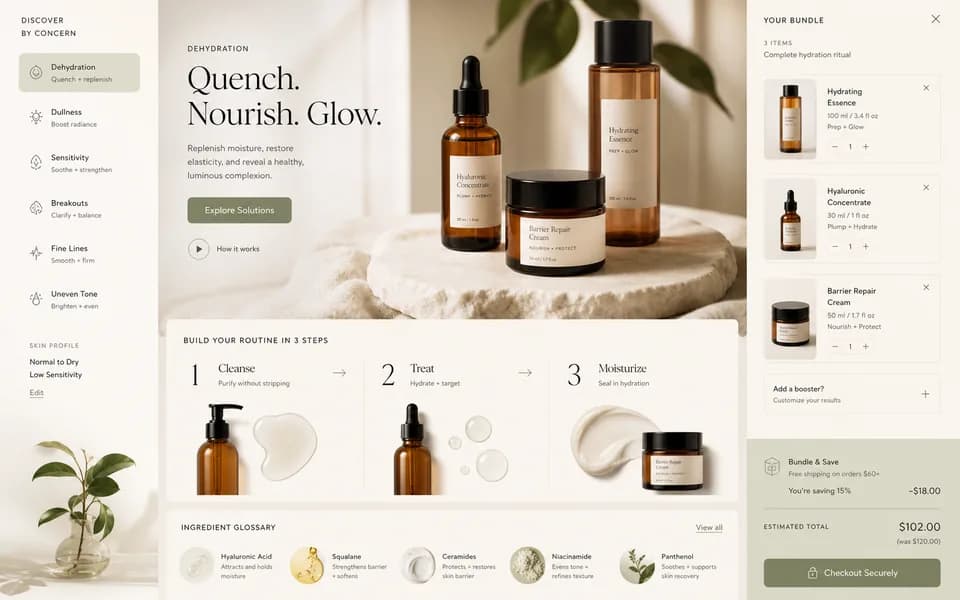
Portfolio website
Freelance portfolio website
Turn selected case work into a responsive portfolio with project stories, proof, and a clear contact path.
Open template
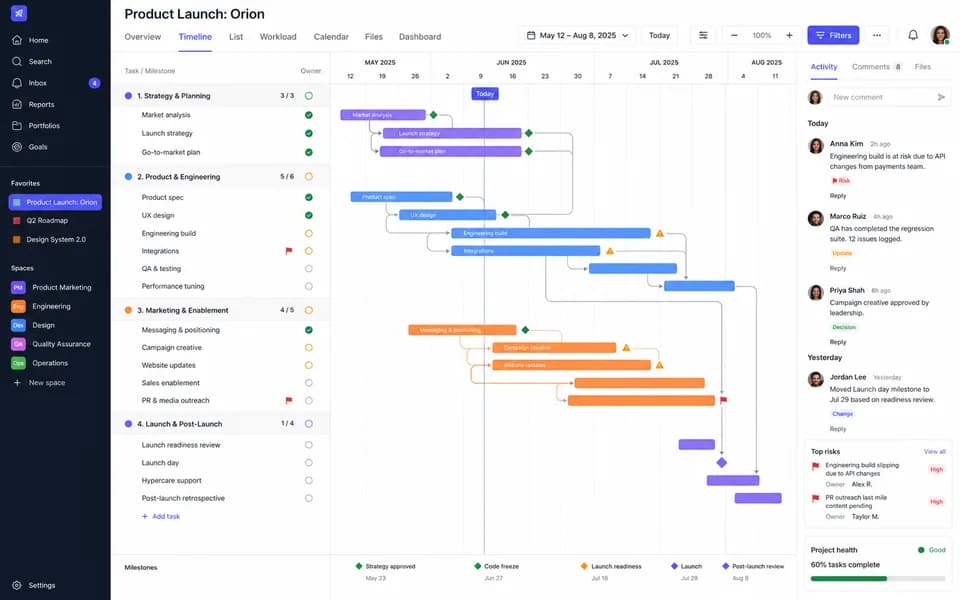
Pricing website
SaaS pricing page
Turn your plans into a comparison page with tiers, limits, FAQs, and a path to start or talk to sales.
Open template
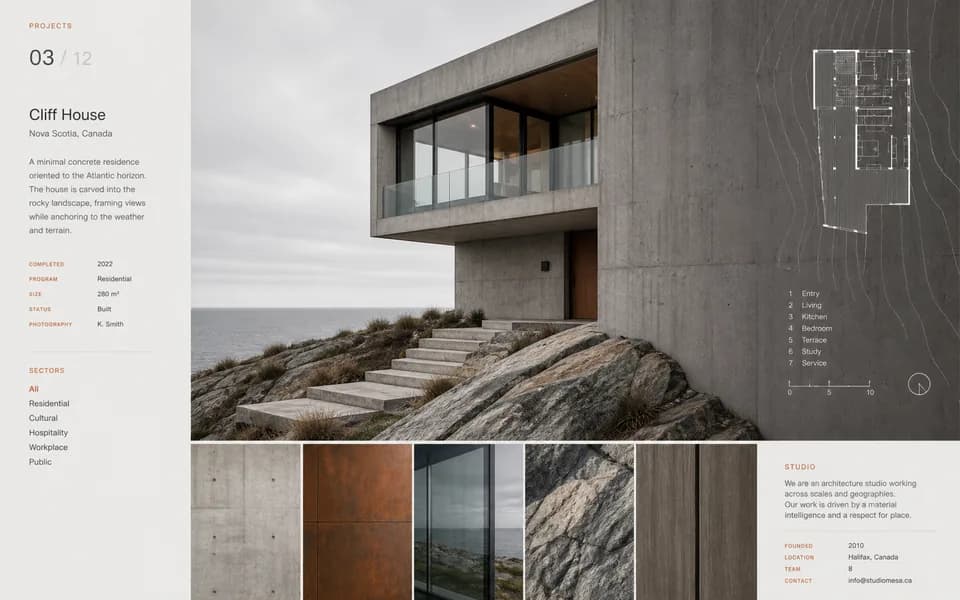
Interactive website
SaaS ROI calculator landing page
Turn a positioning brief into a responsive launch page with a conversion story and an interactive value calculator.
Open template06FAQ
AI website builder questions
01Can I edit the website after Huggle builds it?
Yes. The site opens as an editable artifact in your workspace. Change text and sections directly, or ask Huggle to add a section, restyle a block, or rewrite the copy, and the page updates in place.
02Is the website responsive and does it work on mobile?
Yes. Huggle builds responsive layouts by default and you can preview the page at phone, tablet, and desktop widths before publishing.
03Can I publish the site to a live URL?
Yes. Publish from the workspace and share the link. You can keep editing and republish as the page changes.
04Do I need to know how to code?
No. You describe the page in plain language and Huggle writes the code. If you do want to change the code directly, the artifact is real HTML, CSS, and JavaScript rather than a locked theme.
05Is there a free AI website builder plan?
Yes. A free Huggle account includes an allowance with no card required, enough to build and publish a first page. Paid plans start at $10/month launch pricing and include every frontier model.
06How is this different from the website templates?
The website templates are finished example sites you can open and adapt, useful when you want to see a real page first. The builder starts from your own brief. Both produce the same editable, publishable website artifact.
Try the AI website builder
Describe the work once. Edit the file the moment it lands.
Start free with no card. Documents, decks, spreadsheets, LaTeX, databases, and websites, every frontier model included, from $10 a month when you upgrade.