Video templates you generate from a shot list
Generate short vertical ads, product reveals, and creator-style clips from a shot-by-shot prompt that already knows the format. Each example below is a real Huggle artifact with the creation recipe ready to personalize.
Free to start, no card required. Paid plans from $10 a month with every frontier model included. See pricing.
01Finished examples
Start with a proven video
Every template opens the full creation brief in the composer. Keep the structure that already works and swap in your own situation.
Vertical ad
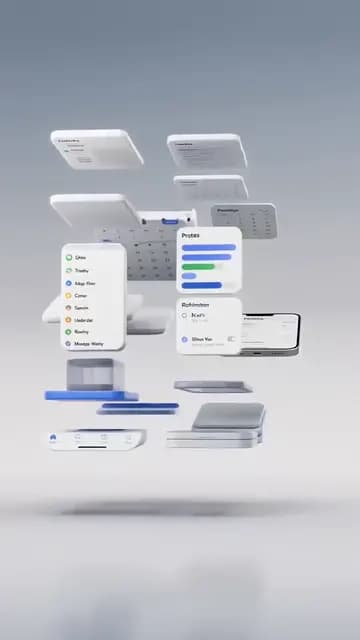
App demo ad
Generate a 9:16 clip that shows your app doing one clear job — floating screens, real taps, a result to hold on — with no fake captions or filler.
Open templateUGC-style ad
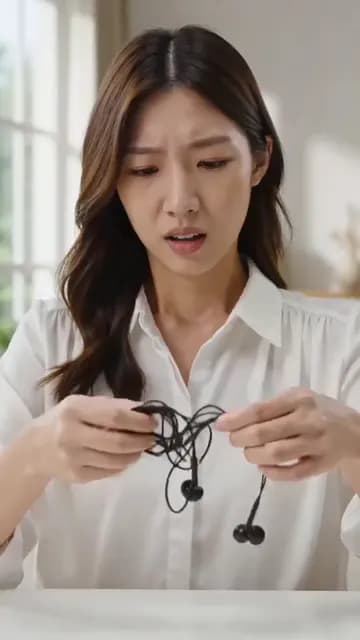
Problem-solution hook ad
Generate a 9:16 creator-style clip that opens on a relatable problem, cuts to the product fixing it, and holds the reaction — believable phone footage, not a commercial.
Open templateUGC-style explainer
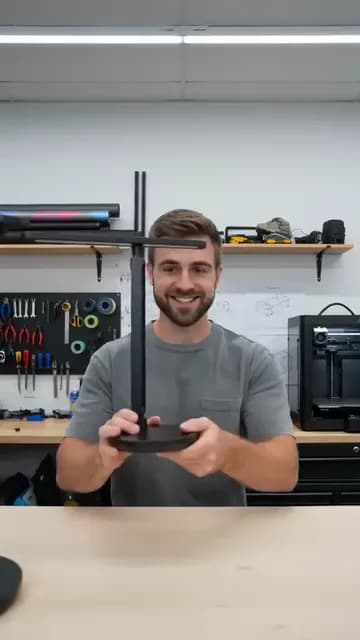
Founder explains the product
Generate a 9:16 clip of a founder in their real workspace demonstrating the one mechanism that makes the product different — candid framing, credible pacing.
Open templateSocial clip
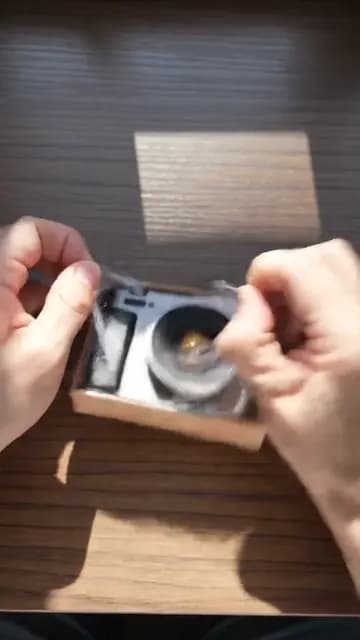
Unboxing POV
Generate a 9:16 point-of-view clip of hands opening a minimal parcel and lifting out your product in tactile, satisfying motion.
Open templateWebsite hero loop
Product hero video
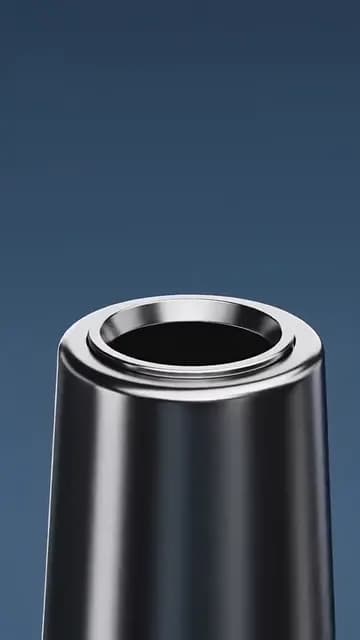
Generate a slow studio orbit of your product on dark stone that settles into a centered front view with clear space above for the headline.
Open templateCampaign film
Cinematic product reveal
Generate a slow, expensive-looking orbit as a silk ribbon lifts and curls around your product in weightless motion, with one highlight gliding across the surface.
Open template02Common uses
What people make with videos
- 01
Vertical TikTok and Reels ads with a hook in the first second
- 02
UGC-style founder explainers and unboxing clips
- 03
Product hero loops and cinematic reveals for websites and campaigns
03How these templates work
Video templates that stay editable
What an AI video generator prompt should already contain
A short video is a sequence of decisions: aspect ratio, duration, the anchor frame you open on, what happens in each beat, how the camera moves, what the audio is allowed to be. Huggle video templates write all of that down. Each clip on this page is what the inherited prompt actually produced, so the brief is a proven recipe rather than a description of a mood.
When a video template beats an empty prompt
Most AI video tools reward people who already know how to direct. Searchers looking for an app demo ad, a problem-solution hook, or a cinematic product reveal usually do not — they know the outcome they need. A template gives you the format, the pacing, and the continuity rules already tuned for that outcome. Replace the product, the creator, and the line they open with, and keep the structure that makes the clip work.
How Huggle video templates stay editable
Each template opens the shot list in the composer with video generation already selected. Huggle asks for the missing specifics — your product, the reference images to keep it consistent, the opening line — before generating. Afterwards you can ask for a different hook, a longer hold on the result, a new aspect ratio, or another take, all in the same conversation where your other artifacts live.
Start with app demo ad template for TikTok and Reels, problem-solution hook ad template for UGC-style video, founder explains the product video template, unboxing POV video template, product hero video template for a homepage loop, or cinematic product reveal video template.
Or describe your own video
Describe the work once. Edit the file the moment it lands.
Start free with no card. Documents, decks, spreadsheets, LaTeX, databases, and websites, every frontier model included, from $10 a month when you upgrade.