Presentation deck template
Build a B2B sales deck that gets to a next step
Present your product, customer results, and offer to a buyer.
Make this with my informationOpens an editable creation brief. Nothing runs until you submit.
- Format
- Presentation deck
- Last updated
- August 31, 2026
- You bring
- 3 inputs
- By
- Huggle Editorial
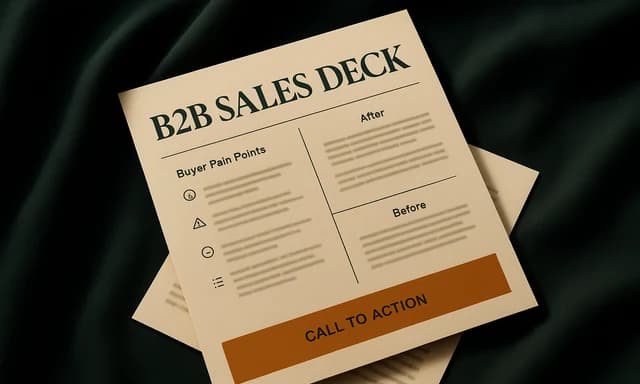
The creation brief
This template is for sales and founders who need a first-call deck. Huggle writes a 10-slide path from the buyer’s problem to a scheduled next step.
Creation recipe
Create a 10-slide B2B sales deck for ‘FocusOS,’ a fictional async planning tool for operations leads. Slides: title, buyer problem, cost of the status quo, product, how it works, proof using fictional but labeled logos, packaging, commercial next step, FAQ, and appendix objection. One idea per slide. Do not invent ROI percentages.
What Huggle creates
- 10-slide first-call narrative
- Packaging and a scheduled next step
- Proof and ROI claims that stay labeled
What to bring
- 01Buyer, problem, and the offer
- 02Proof you can show
- 03The next step you want from the meeting
Overview
What is a B2B sales deck?
A B2B sales deck is a presentation used on a first or second call to move a buyer from problem to a next step — a trial, a scoped proposal, or a technical review. It is not a pitch deck. An AI sales presentation generator should end on an ask, not a thank-you slide.
What's included
What this AI sales deck generator produces
Buyer problem and cost of inaction
Open in the buyer’s world. FocusOS in the example is for operations leads drowning in status meetings. Your first two slides should be sentences they could have written. Invented ROI percentages are banned in the brief.
Product and how it works
Show the path, not every feature. A how-it-works slide is three steps. If you need a demo, say when it happens instead of screenshot-dumping the UI.
Proof and packaging
Proof is a case study, a metric, or a named customer you can use. Pair this deck with the case-study document. Packaging points at the pricing page. Gartner’s 17% figure means the deck circulates without you — one real visual beats a wall of logos you do not have.
The ask
The last spoken slide is the next step: date, owner, and what you will do. An appendix holds one objection. First calls die on ‘we’ll follow up’ with no calendar.
Comparison
Huggle vs. a product-overview slide theme
Most sales templates are feature tours. This generator writes a call path that ends in a next step.
| Criterion | Huggle | Static template |
|---|---|---|
| Starting point | A 10-slide first-call narrative | A 25-slide product overview |
| Ask | A scheduled next step on its own slide | A logo slide and ‘thank you’ |
| Proof | Only labeled or approved claims | Generic 10x productivity icons |
| Revision | Ask Huggle to retarget the buyer persona | Manual master-slide edits |
Sources
Sources and benchmarks
- Gartner found that B2B buyers spend only 17% of their total purchase journey meeting with potential suppliers, so the deck you leave behind does most of the selling. Gartner, The B2B Buying Journey
How it works
From example to your finished artifact
- 01
Start from the proven recipe
Open Huggle with the complete creation brief already in the composer.
- 02
Add your context
Answer a few focused questions so the structure, content, and visual direction fit your situation.
- 03
Create and refine
Generate an editable artifact, then ask Huggle to revise it until it is ready to use.
Use the recipe
Make a version that belongs to your work.
Huggle will ask for the missing context, then create an editable slides you can keep refining.
Frequently asked questions
- What is an AI sales deck generator?
- It turns a buyer and an offer into a first-call presentation. Huggle writes the path to a next step; you still bring proof you can stand behind.
- How is a sales deck different from a pitch deck?
- A pitch deck raises money. A sales deck sells the product. This template has packaging and a meeting ask, not a use-of-funds slide.
- How many slides should a first-call deck have?
- This template uses ten, plus a one-slide appendix. If you cannot finish it in 20 minutes of talk time, cut.
- Should I include pricing?
- Include packaging and a range if you sell that way. Point to the pricing-page template for the full comparison.
- Will Huggle invent ROI?
- No. The brief forbids invented ROI percentages. Use the ROI landing-page calculator when you have variables; do not put a fake 3x on slide four.
- Is the deck editable after it is generated?
- Yes. Swap proof, change the ask, or generate a shorter follow-up version.
- What information do I need to bring?
- Bring the buyer, the problem, the offer, proof you can show, and the next step you want from the meeting.
- How do I use this B2B sales deck template?
- Open Huggle with the creation brief in the composer, replace FocusOS with your offer, and submit. Practice the ask slide out loud.
Related templates
2 artifacts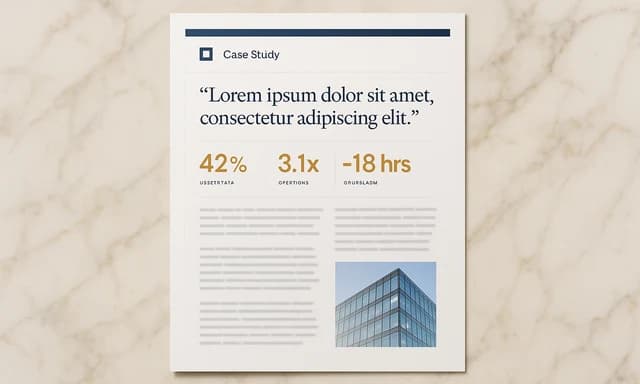
Customer case study
Show how you helped a customer, with results and quotes.
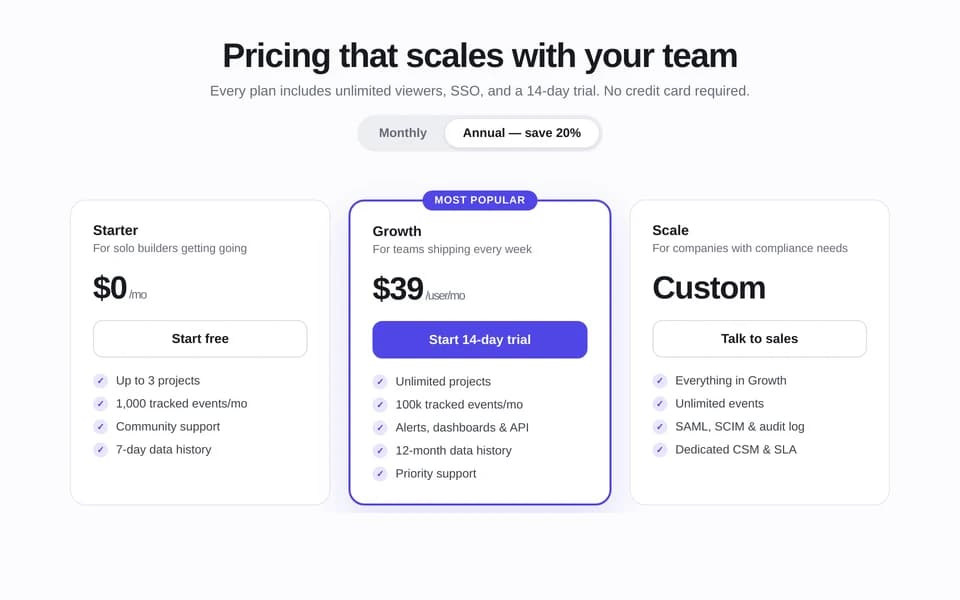
SaaS pricing page
Compare plans, prices, and features on one page.
Also explore customer case study template with results and SaaS pricing page template with plan comparison.