Pricing website template
Build a SaaS pricing page with clear plan comparison
Compare plans, prices, and features on one page.
Make this with my informationOpens an editable creation brief. Nothing runs until you submit.
- Format
- Pricing website
- Last updated
- August 31, 2026
- You bring
- 3 inputs
- By
- Huggle Editorial
The creation brief
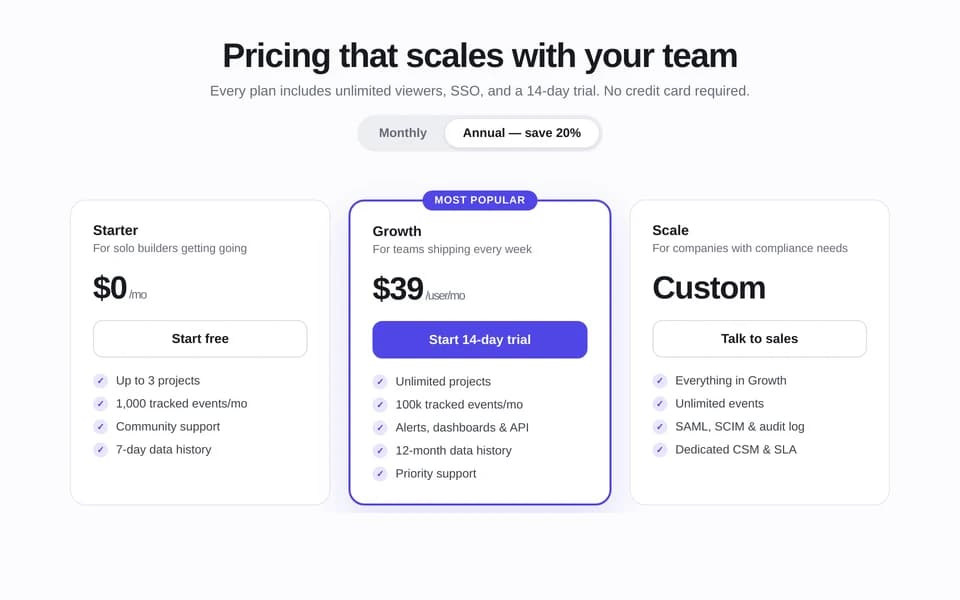
This template is for teams who already know their tiers and need a page buyers can parse. Huggle writes the comparison, the FAQ, and the annual/monthly toggle story from your plan sheet.
Creation recipe
Build and publish a SaaS pricing page for ‘FocusOS,’ a fictional async planning service. Include three tiers — Starter $29, Team $79, and Scale custom — with feature comparison, monthly/annual toggle, limits, FAQ, and CTAs for start trial and contact sales. Use a clean product look and do not invent discount percentages. Label all figures as demo pricing.
What Huggle creates
- Three-tier pricing page with a comparison table
- Monthly and annual toggle plus trial and sales CTAs
- FAQ that answers limits, seats, and billing
What to bring
- 01Plan names, prices, and what is included
- 02Limits, seats, and the annual offer if you have one
- 03Trial, demo, or contact-sales path
Overview
What is a SaaS pricing page?
A SaaS pricing page is a conversion page that lists plans, limits, and the next action — start a trial or talk to sales. Buyers use it to compare tiers. An AI pricing page generator should output a real comparison table and FAQ, not a graphic of three columns.
What's included
What this AI pricing page generator creates
Three tiers and a comparison table
Starter, Team, and Scale in the example map to a common SaaS pattern. Your names and prices replace the demo $29 / $79 / custom set. The table should say what is included, not just what is different. Gartner finds most B2B buyers prefer to buy without a rep — vague feature names lose the sale before anyone can explain them.
Monthly and annual toggle
If you offer annual billing, the toggle should show the real savings in dollars, not an invented percent. The brief forbids fake discounts. If you only bill monthly, drop the toggle.
Trial and sales paths
Self-serve tiers need a start-trial CTA. Custom tiers need contact sales. Putting both on one page is how mixed motion SaaS sells. Link the trial to the product you can actually open.
Pricing FAQ
FAQ should cover seats, overages, cancellation, and who the custom plan is for. This is the extractable block AI search engines quote when someone asks ‘how does [category] pricing work?’
Comparison
Huggle vs. a static pricing-page template
Theme marketplaces sell three-column layouts. This generator writes the plan comparison from your actual tiers.
| Criterion | Huggle | Static template |
|---|---|---|
| Starting point | A finished pricing page with table, toggle, and FAQ | Empty columns in Webflow or Framer |
| Plan data | Tiers, limits, and prices from your brief | Lorem features you still have to replace |
| Honesty | Demo prices labeled; no invented discounts | Placeholder ‘Save 40%’ badges |
| Revision | Ask Huggle to add a tier or change the recommended plan | Manual table edits |
Sources
Sources and benchmarks
- Gartner’s B2B buying research found that 75% of B2B buyers prefer a rep-free buying experience, so a pricing page has to answer objections a salesperson never gets to hear. Gartner, The B2B Buying Journey
How it works
From example to your finished artifact
- 01
Start from the proven recipe
Open Huggle with the complete creation brief already in the composer.
- 02
Add your context
Answer a few focused questions so the structure, content, and visual direction fit your situation.
- 03
Create and refine
Generate an editable artifact, then ask Huggle to revise it until it is ready to use.
Use the recipe
Make a version that belongs to your work.
Huggle will ask for the missing context, then create an editable website you can keep refining.
Frequently asked questions
- What is an AI pricing page generator?
- It turns your plan sheet into a live comparison page with tiers, limits, and FAQ. Huggle starts from a finished SaaS example and swaps in your prices.
- How many pricing tiers should a SaaS page have?
- Three is the common pattern this template uses: a starter, a recommended middle, and a custom or scale tier. Add a fourth only if buyers already ask for it.
- Should I show monthly and annual prices?
- Yes if you actually sell both. Show the annual total in dollars. Do not invent a discount percentage.
- Can I hide prices and say contact sales?
- You can, but AI bots and many buyers skip opaque pages. This template keeps at least two public prices and a custom tier.
- Is the page editable after it is generated?
- Yes. Change a limit, rename a plan, or ask Huggle to rewrite the FAQ before you publish.
- What information do I need to bring?
- Bring plan names, prices, inclusions, limits, seats, any annual offer, and whether the next step is a trial or a sales call.
- How is this different from a homepage?
- A homepage sells the category. A pricing page sells the package. Keep positioning short and let the table do the work.
- How do I use this SaaS pricing page template?
- Open Huggle with the creation brief in the composer, replace the FocusOS demo tiers with yours, and submit. Check every limit against billing before you launch.
Related templates
2 artifacts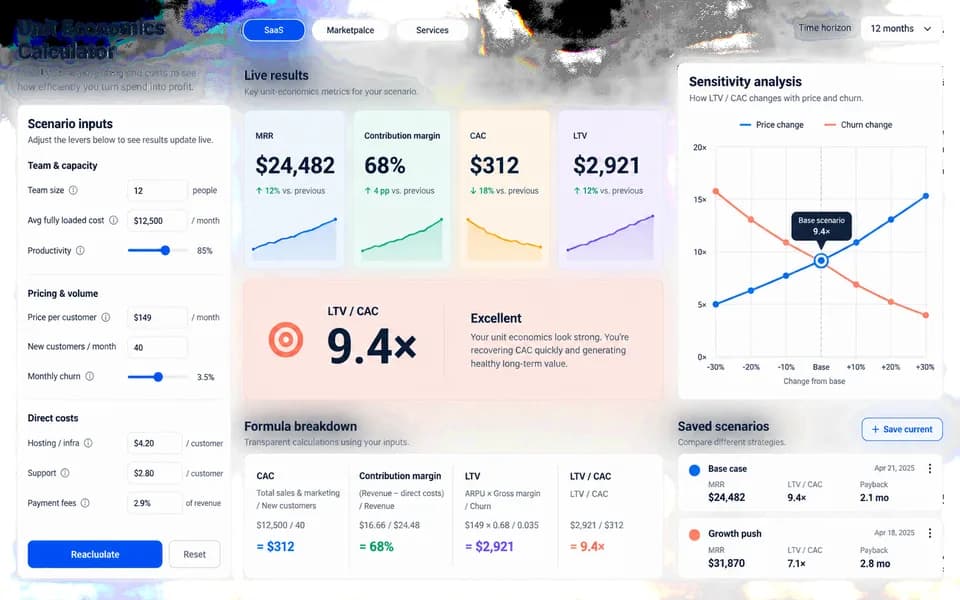
SaaS ROI calculator landing page
Launch your product with a website and an interactive ROI calculator.
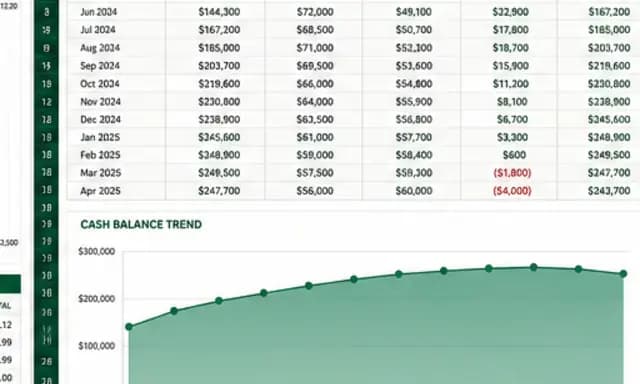
SaaS cash-flow and runway model
Forecast cash flow and runway with editable assumptions and formulas.
Also explore SaaS landing page template with a working ROI calculator and SaaS financial model template with 24-month runway scenarios.