Interactive website template
Build a SaaS landing page with a working ROI calculator
Launch your product with a website and an interactive ROI calculator.
Make this with my informationOpens an editable creation brief. Nothing runs until you submit.
- Format
- Interactive website
- Last updated
- August 31, 2026
- You bring
- 3 inputs
- By
- Huggle Editorial
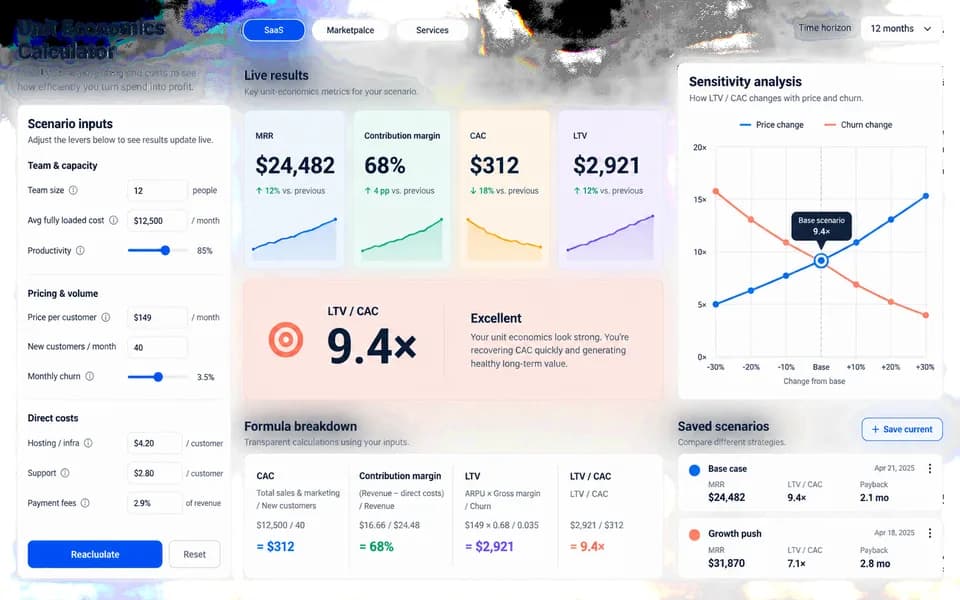
The creation brief
This template gives Huggle the strategy, page structure, calculator logic, and visual direction needed to create a credible SaaS acquisition page. Replace the fictional inputs with your product, audience, pricing, and proof before generating.
Creation recipe
Build and publish a conversion-focused landing page for ‘FocusOS,’ a fictional async planning service for remote teams. The audience is heads of operations at 20–100 person companies. Include a sharp hero, problem narrative, three outcome-led benefits, a product walkthrough, customer proof using clearly fictional names, pricing at $499/month, FAQ, and a final CTA. Add an interactive calculator where visitors enter team size, average hourly cost, and hours lost to status meetings; show estimated monthly time and cost recovered. Use editorial typography, warm off-white surfaces, cobalt accents, subtle motion, and a mobile experience that feels designed rather than collapsed. Do not make unsupported claims; label estimates as illustrative.
What Huggle creates
- Responsive landing page with a complete conversion narrative
- Working ROI calculator with clearly labeled estimates
- Pricing, FAQ, customer proof, and final call to action
What to bring
- 01Product name, audience, and primary outcome
- 02Pricing and the variables used in your ROI calculation
- 03Brand direction and any approved customer proof
Overview
What is an ROI calculator landing page?
An ROI calculator landing page is a conversion-focused website that lets visitors enter their own numbers and see estimated time or money recovered. Unlike a static SaaS landing page template, it pairs the product story with an interactive model so the value claim is demonstrated, not just described.
What's included
What this AI landing page generator creates
Hero and problem narrative
The page opens with a sharp hero for a defined audience — in the example, heads of operations at 20–100 person companies — then a problem narrative that names the cost of status meetings. When you personalize the template, those lines become your product, your buyer, and the pain you can actually support. The goal is a first screen that states the outcome and invites the visitor into the calculator.
Interactive ROI calculator
Visitors enter team size, average hourly cost, and hours lost to a recurring waste. The page returns estimated monthly time and cost recovered and labels the math as illustrative. That is the difference between an AI website generator and a screenshot of a form. You supply the variables that match your pricing story; Huggle implements the interaction and the copy that explains the estimate.
Benefits, walkthrough, and proof
Three outcome-led benefits and a product walkthrough sit between the hero and the commercial close. Customer proof uses clearly fictional names in the example so you are not tempted to ship invented quotes. Replace them with approved logos, metrics, or anonymized stories before you publish. The section exists so the calculator is not the only persuasion on the page.
Pricing, FAQ, and final CTA
The example prices the product at $499 per month and answers the objections a buyer has after seeing the calculator. Unbounce’s 2024 Conversion Benchmark Report found the median landing page converts at 6.6% across industries, and SaaS pages sit lower at a 3.8% median — so the close has to be specific. Your pricing, plan names, and FAQ should match the offer you can actually fulfill.
Responsive layout and visual direction
The brief specifies editorial typography, warm off-white surfaces, cobalt accents, and a mobile experience that feels designed rather than collapsed. You can swap that direction for your brand system. The page is a real website you can revise and publish, not a Figma frame that still needs engineering.
Comparison
Huggle vs. a static landing page template
Most SaaS landing page templates are layouts you restyle. This page is an AI landing page generator: you start from a finished site with a working calculator and rewrite it for your product.
| Criterion | Huggle | Static template |
|---|---|---|
| Starting point | A finished, interactive site with the conversion story already written | Empty sections or lorem ipsum in Webflow, Unbounce, or Canva |
| ROI calculator | Working inputs and labeled estimates generated from your variables | Usually a mockup; you still have to build the logic |
| Personalization | Replace product, audience, pricing, and proof in the brief, then generate | Manual copy-and-paste into every block |
| Revision | Ask Huggle to rewrite a section or change calculator math | Edit in a page builder; no prompt-based revision |
| Publishing | The artifact is a live website you can deploy to a URL | Export or publish depends on the builder you already pay for |
Sources
Sources and benchmarks
- The median landing page conversion rate across industries was 6.6% in Unbounce’s 2024 Conversion Benchmark Report, based on 41,000 pages and 57 million conversions. Unbounce Conversion Benchmark Report (2024)
- SaaS landing pages in the same report had a lower median conversion rate of 3.8%, which is why a specific value demonstration — such as an ROI calculator — matters more than generic product copy. Unbounce Conversion Benchmark Report (2024)
- Copy written at a 5th-to-7th-grade reading level converted at 11.1% in the 2024 report, versus 5.3% for professional-level writing. Unbounce 2024 Conversion Benchmark Report via PR Newswire
How it works
From example to your finished artifact
- 01
Start from the proven recipe
Open Huggle with the complete creation brief already in the composer.
- 02
Add your context
Answer a few focused questions so the structure, content, and visual direction fit your situation.
- 03
Create and refine
Generate an editable artifact, then ask Huggle to revise it until it is ready to use.
Use the recipe
Make a version that belongs to your work.
Huggle will ask for the missing context, then create an editable website you can keep refining.
Frequently asked questions
- What is an AI landing page generator?
- An AI landing page generator creates a full page from a brief — layout, copy, and interactions — instead of handing you a blank theme. Huggle starts from a finished example, asks for your product facts, and produces an editable website you can keep revising.
- How does an ROI calculator on a website work?
- Visitors enter a few business inputs, such as team size and hourly cost. The page runs a simple model and shows estimated time or money recovered. Good implementations label the result as an estimate and avoid unsupported claims. This template includes that calculator as a working interaction.
- What should a SaaS landing page include?
- A conversion-focused SaaS landing page typically includes a hero with a clear outcome, a problem narrative, outcome-led benefits, product proof, pricing, FAQ, and a final call to action. This template adds an interactive ROI calculator so visitors can test the value claim with their own numbers.
- Can I use my own pricing and brand on this template?
- Yes. The example uses a fictional product at $499 per month. Bring your product name, audience, pricing, calculator variables, and any approved customer proof. Huggle applies your facts to the same page structure.
- Is the landing page editable after it is generated?
- Yes. The result is a fully editable website, not a static export. You can ask Huggle to revise copy, layout, or calculator logic, or edit the page directly before you publish it.
- Do I need a designer or developer to use this?
- You need a clear offer and the numbers behind your ROI story. You do not need to rebuild the page in a separate design or engineering tool to get a first version. Complex brand systems can still be applied after the first generate.
- What information do I need before I start?
- Bring the product name, the audience, the primary outcome, pricing, the variables in your ROI calculation, brand direction, and any proof you are allowed to show. Huggle asks focused questions for anything that is missing.
- How do I use this SaaS landing page template?
- Open Huggle with the creation brief already in the composer, replace the fictional FocusOS details with your own, and submit. Nothing runs until you do. After generation, refine the page until it matches the offer you can stand behind.
Related templates
2 artifacts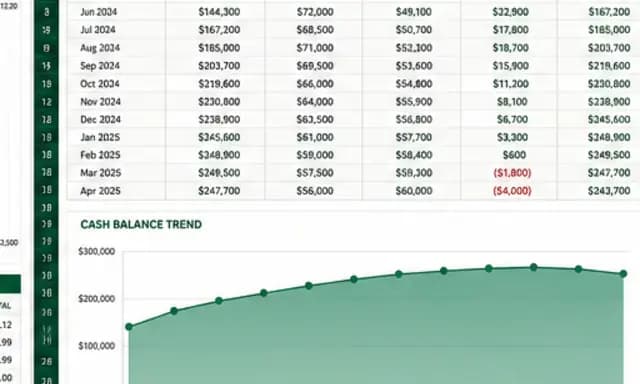
SaaS cash-flow and runway model
Forecast cash flow and runway with editable assumptions and formulas.
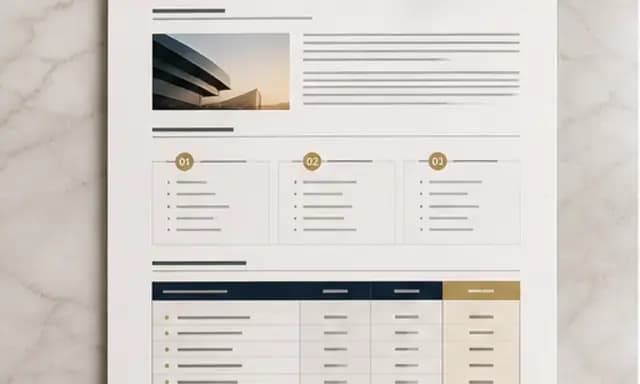
Client strategy proposal
Present your plan, scope, and pricing in a client proposal.
Also explore SaaS financial model template with 24-month runway scenarios and consulting proposal template with diagnosis and pricing tiers.