Logo mark template
Design a modern startup logo from a one-line brief
Create a geometric logo that works in one color.
Make this with my informationOpens an editable creation brief. Nothing runs until you submit.
- Format
- Logo mark
- Last updated
- September 17, 2026
- You bring
- 3 inputs
- By
- Huggle Editorial
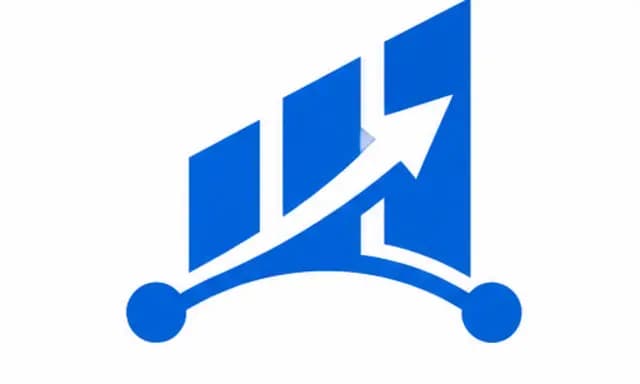
The creation brief
This template is for founders who need a credible mark before the brand agency stage. Huggle produces vector-style logo concepts from a short description of the company and the idea the mark should carry.
Creation recipe
Design a modern SaaS logo mark: an abstract geometric shape that suggests upward growth and connection, built from a few clean strokes or blocks. Single solid color on a plain white background, flat vector style, no gradients, no text, no 3D effects. Balanced and symmetrical enough to work as an app icon and as a favicon at 32 pixels. Centered with generous white space around it.
What Huggle creates
- A flat, single-color logo mark on white
- A shape that suggests the company’s idea without spelling it out
- Proportions that survive app-icon and favicon sizes
What to bring
- 01What the company does and the one idea the mark should suggest
- 02A preferred color, or none
- 03Any shapes or references to avoid
Overview
What is a startup logo mark?
A logo mark is the symbol part of a brand identity — the shape that appears in the app icon, the favicon, and the corner of every slide, with or without the company name. For an early startup it has to be simple enough to draw from memory, work in a single color, and suggest the idea without illustrating it.
What's included
What this AI logo generator produces
Geometric concept
The mark is built from a few clean strokes or blocks arranged to suggest an idea — here, growth and connection. Describe your idea in one line and Huggle proposes shapes that carry it.
Single color, flat vector style
No gradients, shadows, or 3D. A mark that works in one flat color works everywhere: dark mode, print, embroidered on a hoodie. Add your color or keep it neutral for now.
Icon-safe proportions
The prompt asks for balance and symmetry that hold at 32 pixels. That is the favicon test, and the reason the brief bans fine detail and text.
Concept, not final files
Generated logos are concepts to react to. Once one lands, ask Huggle for variations, then have it redrawn as a vector for production use.
Comparison
Huggle vs. a logo maker
Logo makers combine clip art with your name. This prompt produces an original mark you can direct.
| Criterion | Huggle | Static template |
|---|---|---|
| Starting point | Original geometric marks generated from your idea | Icon library plus a font picker |
| Direction | Describe the idea and the mood in plain language | Browse categories and hope |
| Iteration | Ask for simpler, bolder, or more literal in the same chat | Start over with a new icon |
| Output | Concepts to refine, then vectorize | Generic marks shared with other customers |
Sources
Sources and benchmarks
- Lindgaard et al. showed that people form a stable visual judgement of a web page in about 50 milliseconds — before a single word of the headline has been read. Lindgaard, Fernandes, Dudek & Brown, Behaviour & Information Technology (2006)
How it works
From example to your finished artifact
- 01
Start from the proven recipe
Open Huggle with the complete creation brief already in the composer.
- 02
Add your context
Answer a few focused questions so the subject, copy, and visual direction fit your situation.
- 03
Create and refine
Generate the media, then ask Huggle for a different crop, palette, hook, or another take until it is ready to use.
Use the recipe
Make a version that belongs to your work.
Huggle will ask for the missing context, then create an editable image you can keep refining.
Frequently asked questions
- What is an AI logo generator?
- It turns a short description of a company into logo concepts. Huggle generates flat geometric marks from this prompt and iterates when you ask.
- Will the logo include my company name?
- This prompt asks for a mark only, because generated text is unreliable. Pair the mark with your name in a real typeface afterwards.
- Can I get the logo as a vector file?
- Generated images are raster. Once you like a concept, ask Huggle to recreate it as an SVG or trace it in a vector tool for production.
- How do I choose a color?
- Start in one neutral color and judge the shape. Add your brand color once the mark works without it.
- Can I ask for several directions?
- Yes. Ask for three concepts — literal, abstract, and lettermark — and compare them side by side.
- Is the logo unique?
- It is generated for your brief, but you should still check it against existing marks in your category before you commit.
- What information do I need to bring?
- Bring what the company does, the one idea the mark should suggest, a preferred color if you have one, and anything to avoid.
- How do I use this logo template?
- Open Huggle with the prompt in the composer, replace the growth-and-connection idea with yours, and generate. Iterate, then vectorize the winner.
Related templates
3 artifacts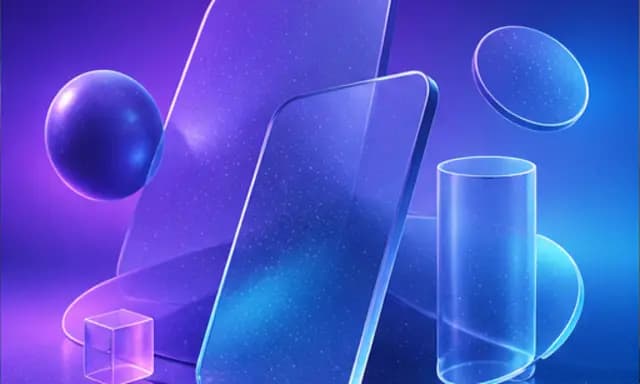
Landing page hero image
Create a wide 3D illustration with space for your website headline.
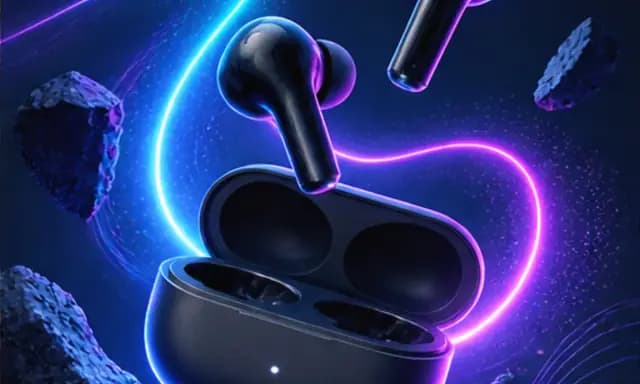
Product launch graphic
Announce your product with a square graphic and headline.
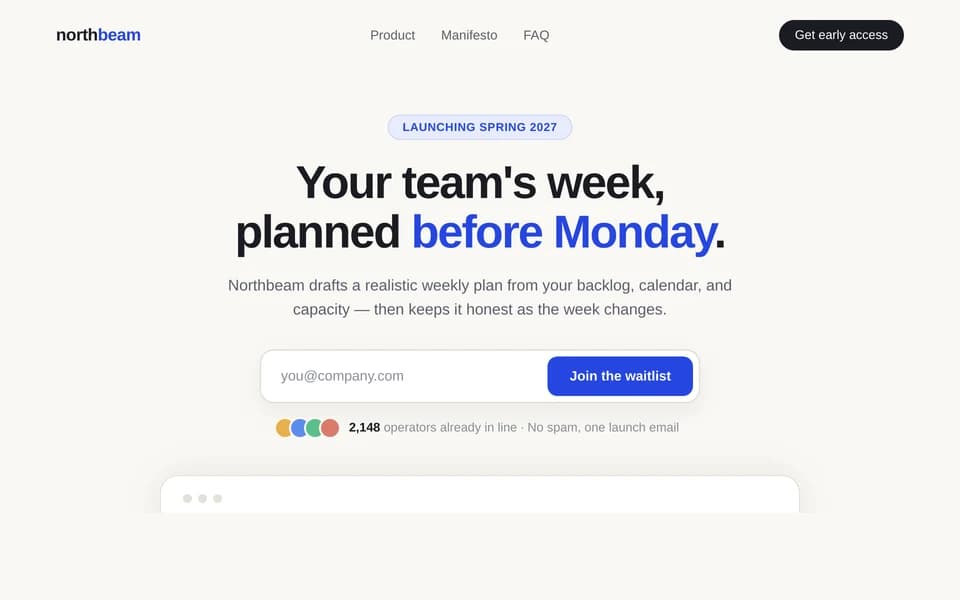
Waitlist landing page
Collect signups for your product launch.
Also explore landing page hero image template with abstract 3D shapes, product launch graphic template for Instagram and waitlist landing page template with email capture.