ForConsultants
AI for consultants: client decks, proposals, models, and trackers in one workspace
Huggle gives consultants one workspace for the whole engagement: a proposal and statement of work, the discovery deck, a financial model with working formulas, the board update, and a project tracker, each opened as an editable file you can rebrand and send. Every frontier model is included, and agents keep the recurring reports moving.
Pro at $40 a month includes $60 of credits for regular client production. Everything is exportable to PowerPoint, Word, Excel, and PDF, so deliverables land in the client's tools. See pricing. Updated .
01What you can make
The work consultants bring to Huggle
Each job ends as a real file you can open, edit, export, and share, with every frontier model included and a Flash or Max tier per request instead of a model menu.
Client strategy decks
Narrative decks with charts built from the client's numbers, editable slide by slide and exportable to PowerPoint.
How the ai presentation generator worksProposals and statements of work
Scoped, priced documents with deliverables, timelines, assumptions, and terms, exported to Word or PDF.
How the ai document generator worksFinancial and operating models
Cash-flow, runway, pricing, and scenario models with real formulas your client can audit.
How the ai spreadsheet generator worksEngagement trackers
Relational databases for workstreams, deliverables, stakeholders, and status reporting.
How the ai database builder works02Worked examples
Prompts consultants actually run
Each example opens in the composer as written. Huggle asks for the details it needs, then builds the file; where a public template already shows the finished output, it is linked.
Turn discovery notes into a proposal
Paste your call notes and get a scoped proposal with phases, deliverables, pricing options, and assumptions.
Model runway under three scenarios
A cash-flow model with base, downside, and upside cases, monthly burn, and the runway each scenario buys.
Send the monthly board update
A concise board deck from this month's metrics: highlights, KPIs versus plan, risks, and asks.
03Where to start
The right Huggle starting point for each consultant task
A short map from the task in front of you to the page that handles it, and why that page rather than a blank prompt.
| Task | Start here | Why |
|---|---|---|
| Win the engagement | Client strategy proposal template | Scope, approach, team, pricing, and terms in the order clients read them. |
| Lock the scope | Statement of work template | Deliverables, acceptance criteria, and change control that hold up later. |
| Present the recommendation | Client growth strategy deck template | A consulting narrative with sized levers and a roadmap, charts included. |
| Summarize a long report for an executive | Executive summary generator | One page with the decision, the evidence, and the ask. |
| Document a client's process | SOP generator | Step-by-step procedures with owners, inputs, and controls. |
| Track the engagement | Client project tracker template | Workstreams, deliverables, and status in one shareable database. |
04Templates
Finished examples built for consultants
Real output from the template library. Open one to read the prompt that produced it, then adapt it to your own brief.
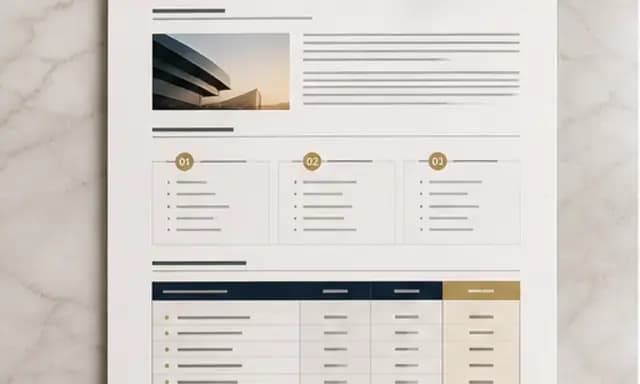
Client strategy proposal
Present your plan, scope, and pricing in a client proposal.
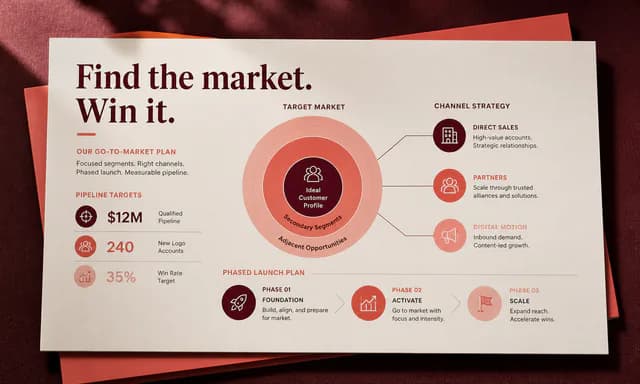
Client growth strategy deck
Present growth recommendations, costs, and a rollout plan.
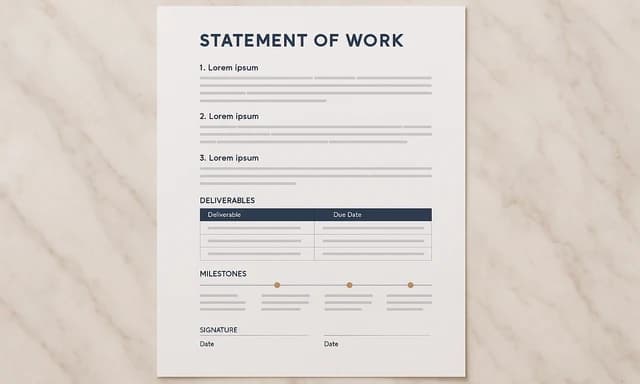
Statement of work
Define project deliverables, deadlines, fees, and exclusions.
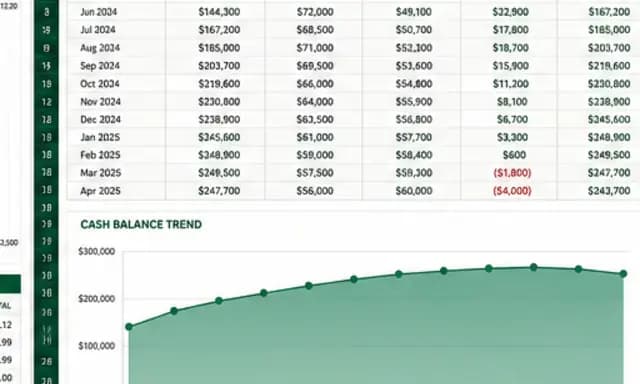
SaaS cash-flow and runway model
Forecast cash flow and runway with editable assumptions and formulas.
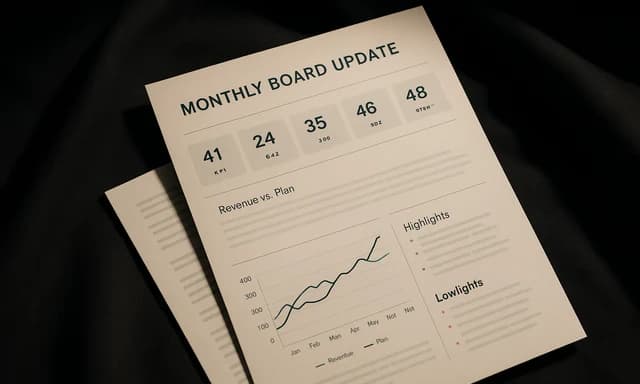
Monthly board update
Share monthly metrics, cash position, risks, and decisions in eight slides.
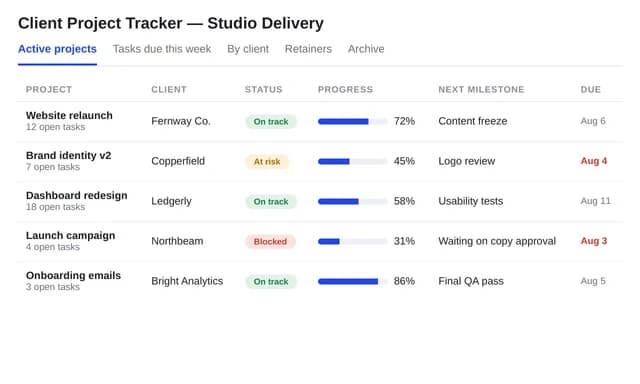
Client project tracker
Organize clients, projects, tasks, and deadlines.
05Free tools
Free AI tools consultants use before signing up
No account needed. Each tool does one job well and hands the result to the workspace when you want to keep going.
- Proposal generatorShape a client, project, business, or grant proposal from a structured brief. Preview the argument, scope, deliverables, timeline, and investment before creating the full document.Open the tool
- Executive summary generatorDistill source notes, key metrics, recommendations, and the decision required into a focused executive summary structure for a specific audience.Open the tool
- Report generatorAdd the topic, audience, purpose, and key points to preview a structured report with summary, findings, analysis, and recommendations.Open the tool
- SOP generatorTurn a process brief into a clear standard operating procedure outline with roles, prerequisites, steps, controls, and review points. Preview the structure before creating the editable document in Huggle.Open the tool
- Case study generatorTurn a documented challenge, intervention, evidence, and outcome into a credible case study structure for customers, stakeholders, or students.Open the tool
06FAQ
Questions consultants ask about Huggle
Short answers, in the page HTML and mirrored in the FAQ structured data.
01Can Huggle make client-ready consulting decks?
Yes. Describe the engagement, attach the client's numbers, and Huggle drafts the narrative, builds the charts from your data, and hands back an editable deck you can restyle to the client's brand and export to PowerPoint or PDF.
02Are the financial models real spreadsheets with formulas?
Yes. Huggle builds spreadsheets with working formulas, named assumptions, and scenario tabs rather than static tables, so a client can change an input and see the model update. Export to Excel or share the sheet.
03How does Huggle handle confidential client data?
Files you upload stay in your workspace and are used to produce your artifacts. Review Huggle's privacy policy and terms for the current data-handling commitments, and follow your client agreements on what may be processed by third-party tools.
04How is Huggle different from Gamma for consulting decks?
Gamma styles a deck from a prompt in its card format and shares by link. Huggle researches and argues the deck, builds charts from your actual numbers, and also produces the proposal, model, and tracker around it. Our Gamma comparison pages have the sourced detail.
05Can Huggle automate recurring client reporting?
Yes. Agents and scheduled automations can pull updated metrics through connectors such as Google Workspace and GitHub, refresh a board deck or status report, and leave it for your review on a schedule.
Huggle for consultants
Describe the work once. Edit the file the moment it lands.
Start free with no card. Documents, decks, spreadsheets, LaTeX, databases, and websites, every frontier model included, from $10 a month when you upgrade.