ForMarketers
AI for marketers: landing pages, campaign decks, case studies, and content calendars
Huggle gives marketers one workspace that ships the asset, not a draft of it: a live landing page at a URL, a campaign or sales deck with charts from your data, a customer case study, a content calendar database, a pricing page, and the images and video that go with them. Every frontier model is included, and agents keep the calendar moving.
Starter at $20 a month includes $35 of credits and covers pages, decks, and case studies for a small team's month. Images and video are included in the same allowance. See pricing. Updated .
01What you can make
The work marketers bring to Huggle
Each job ends as a real file you can open, edit, export, and share, with every frontier model included and a Flash or Max tier per request instead of a model menu.
Landing and pricing pages
Responsive pages built from a brief and published to a URL, with copy, sections, and forms you can edit.
How the ai website builder worksCampaign and sales decks
Decks with a clear narrative and charts from your funnel or campaign data, exportable to PowerPoint.
How the ai presentation generator worksCase studies and content
Customer stories, reports, and long-form pieces drafted from interview notes and results.
How the ai document generator worksContent calendars and campaign trackers
Databases for channels, owners, deadlines, and status, with views per channel and week.
How the ai database builder works02Worked examples
Prompts marketers actually run
Each example opens in the composer as written. Huggle asks for the details it needs, then builds the file; where a public template already shows the finished output, it is linked.
Ship a landing page from a brief
Describe the offer and audience and get a responsive page with copy, sections, a form, and a live URL.
Write a customer case study from interview notes
Upload the call transcript and metrics and get a structured story with quotes, a results table, and a pull-quote for social.
Plan a quarter of content in a database
A content calendar with channel, format, owner, status, and publish date, plus views by week and channel.
03Where to start
The right Huggle starting point for each marketer task
A short map from the task in front of you to the page that handles it, and why that page rather than a blank prompt.
| Task | Start here | Why |
|---|---|---|
| Launch a waitlist | Waitlist landing page template | Hero, benefits, social proof, and capture form already laid out; publish in one step. |
| Publish a pricing page | SaaS pricing page template | Plan cards, comparison table, and FAQ that convert, editable in place. |
| Turn a customer win into content | Case study generator | Challenge, solution, results structure with quotes pulled from your notes. |
| Pitch the campaign internally | B2B sales deck template | A narrative deck with charts from your numbers, ready for PowerPoint. |
| Show ROI on a landing page | SaaS ROI calculator landing page template | An interactive calculator that turns visitor inputs into a pipeline conversation. |
| Plan the quarter | Content calendar template | Channels, owners, and deadlines in a database with week and channel views. |
04Templates
Finished examples built for marketers
Real output from the template library. Open one to read the prompt that produced it, then adapt it to your own brief.
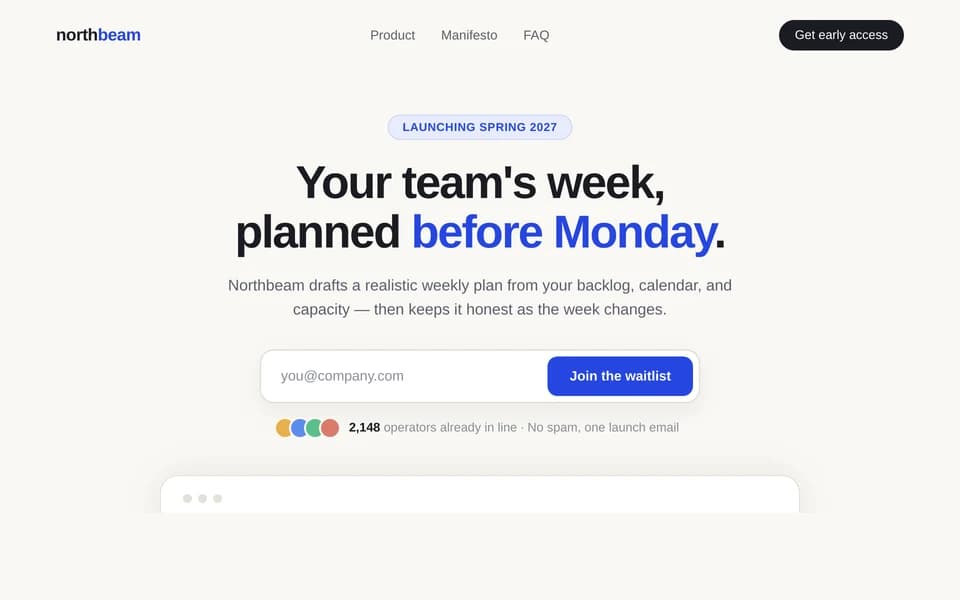
Waitlist landing page
Collect signups for your product launch.
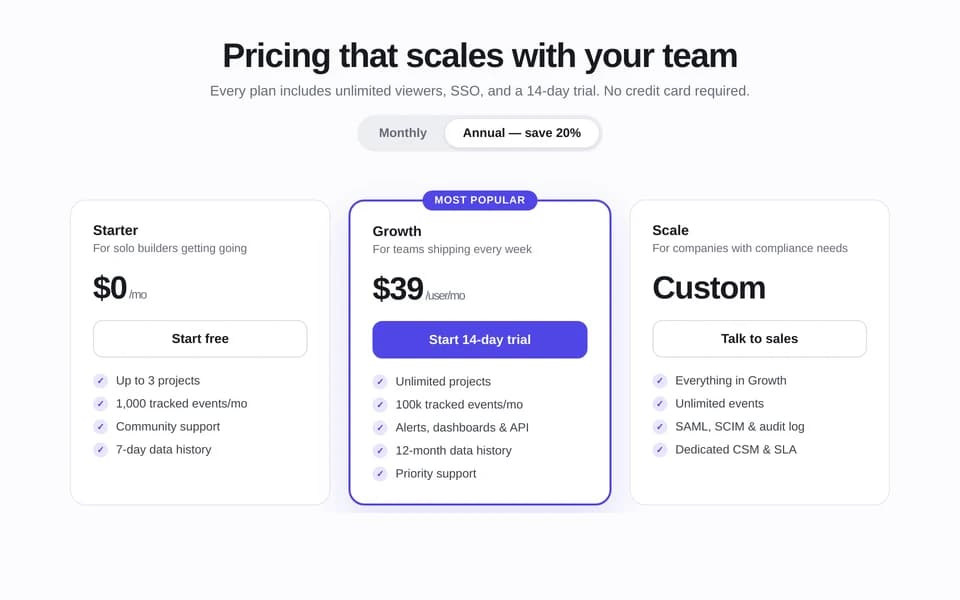
SaaS pricing page
Compare plans, prices, and features on one page.
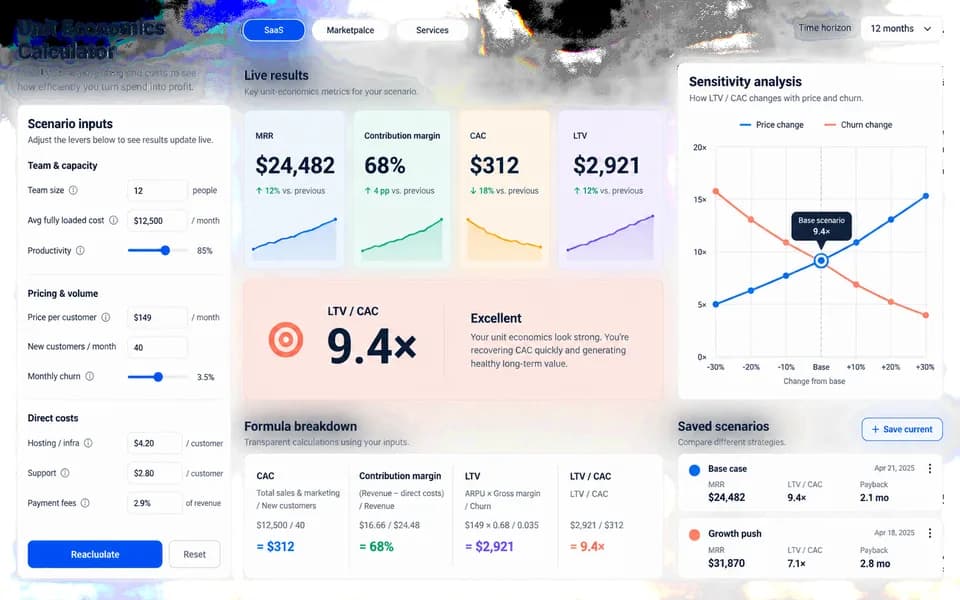
SaaS ROI calculator landing page
Launch your product with a website and an interactive ROI calculator.
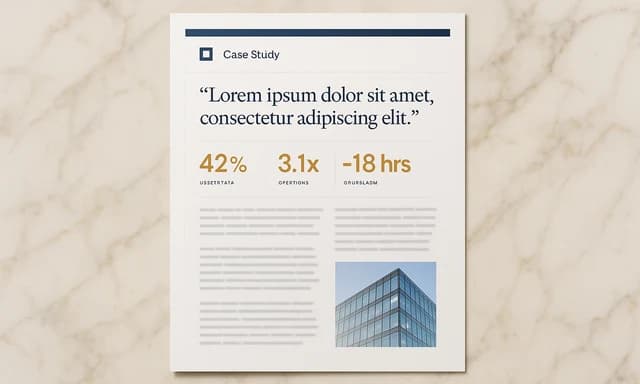
Customer case study
Show how you helped a customer, with results and quotes.
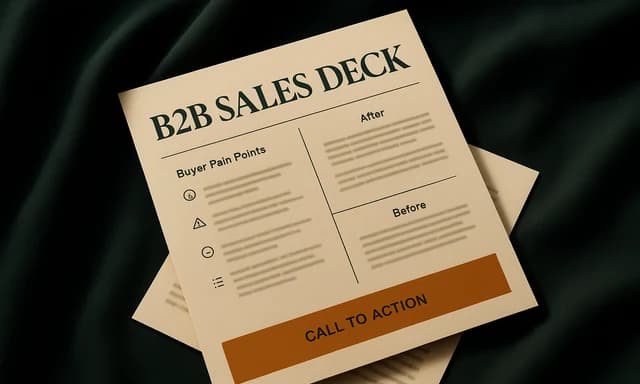
B2B sales deck
Present your product, customer results, and offer to a buyer.
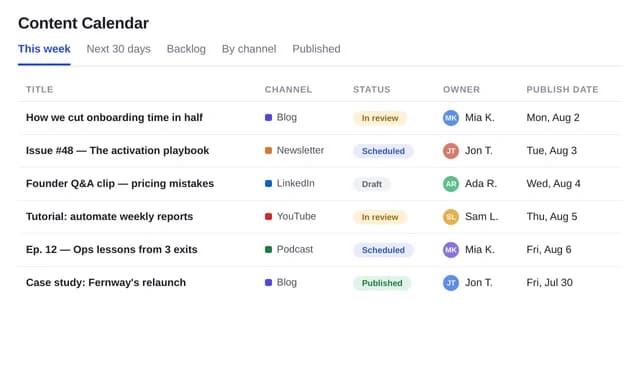
Content calendar
Plan content by channel, owner, and publishing date.
05Free tools
Free AI tools marketers use before signing up
No account needed. Each tool does one job well and hands the result to the workspace when you want to keep going.
- Case study generatorTurn a documented challenge, intervention, evidence, and outcome into a credible case study structure for customers, stakeholders, or students.Open the tool
- Report generatorAdd the topic, audience, purpose, and key points to preview a structured report with summary, findings, analysis, and recommendations.Open the tool
- Business plan generatorDescribe your product, customer, revenue model, and stage to preview an investor-readable business plan structure, then create the complete plan in Huggle.Open the tool
- Executive summary generatorDistill source notes, key metrics, recommendations, and the decision required into a focused executive summary structure for a specific audience.Open the tool
06FAQ
Questions marketers ask about Huggle
Short answers, in the page HTML and mirrored in the FAQ structured data.
01Can Huggle build and publish a landing page?
Yes. Describe the offer, audience, and sections and Huggle builds a responsive page with copy and a form, runs it in a sandbox, and publishes it to a URL. You can edit the copy, sections, and styling afterwards or export the code.
02Does Huggle generate images and video for campaigns?
Yes. Images, video, and voice are included in the same workspace and allowance, so a landing page hero, a set of social visuals, or a short explainer can be produced alongside the copy and the deck.
03How is Huggle different from Canva or Gamma for marketers?
Canva is a design editor and Gamma styles decks from a prompt; both start from content you already have. Huggle produces the content and the asset: it researches, drafts, builds charts from your data, and publishes the page or deck as an editable artifact. Our Gamma vs Canva page has the sourced comparison.
04Can Huggle keep a content calendar up to date?
Yes. Build the calendar as a database, then let an agent or scheduled automation add drafts, update statuses, or summarize what ships this week, using connectors such as Google Workspace and Linear.
05Which AI models does Huggle use for marketing copy?
Every frontier model is included. Choose Flash for fast iterations on headlines and social copy or Max for long-form pieces and strategy, and Huggle routes to the right model without you managing separate subscriptions.
Huggle for marketers
Describe the work once. Edit the file the moment it lands.
Start free with no card. Documents, decks, spreadsheets, LaTeX, databases, and websites, every frontier model included, from $10 a month when you upgrade.